Product help/documentation (if applicable): User Guide
Features:
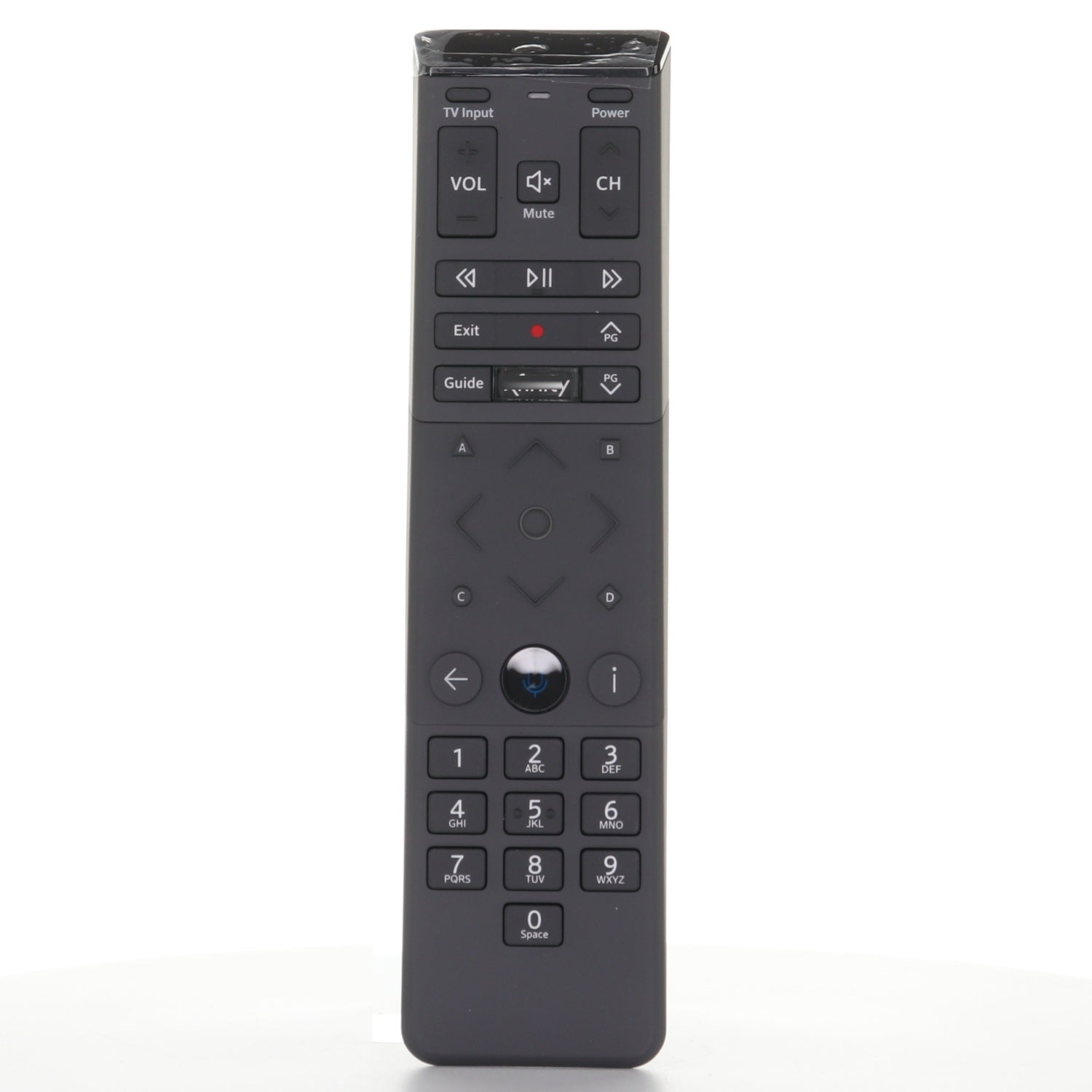
- The remote that came with xfinity cable boxes, including X1 TV Box.
- Hold xfinity and Info for 5 seconds until the light turns green, then enter the code on the TV; step-by-step instructions are in the description.
- RF (radio) operation, so it does not need to be aimed once paired.
- Voice control (press and hold the voice button and speak) and backlit keys. Works with Xfinity X1 cable boxes; it is not a universal remote.
- Takes 2 AA batteries, not included.
Part/Model Number: XR15V2UQ / XR15v2-UQ
Power Information: 2 AA Required, Not Included
Supplied with models (if applicable): X1 TV Box
Compatible with models (if applicable): XR15V2-UQ