

Anderic Substitute for Sharp CRMCA750JBEZ Air Conditioner Remote Control [KTN828]


Anderic Substitute for Sharp CRMCA750JBEZ Air Conditioner Remote Control [KTN828]
Key Features
- A substitute for the Sharp CRMCA750JBEZ remote that controls units such as CV10NH, and it works with most mini-split, window, portable and HVAC systems from LG, Samsung, Midea, Haier, GE and many more.
- Press SELECT and enter Sharp code 0096 (or try 0097, 0098, 0099 and the other Sharp codes in the manual), or hold SELECT for 5 seconds to auto-search; step-by-step instructions are in the description.
- The extra-large backlit display shows the clock and real-time room temperature at a glance. Switch between Fahrenheit and Celsius readouts with ease.
- One-touch Intelligent Cooling or Intelligent Heating automatically adjusts output for energy efficiency and room comfort. Also includes a sleep function and on/off timers.
- Includes the KTN828 remote, wall mount and instructions. Takes 2 AAA batteries, not included (screws also not included).
Don't forget these
The Anderic KTN828 is a substitute for the Sharp CRMCA750JBEZ remote. It is a universal air-conditioner remote with a backlit LCD. It works with Sharp air conditioners such as CV10NH.
Specifications
- Shipped remote: Anderic KTN828
- Infrared (IR): aim it at the device; a clear line of sight is needed
- Batteries: 2 AAA (not included)
- Wall-mount holder
Good to Know
- Not ready out of the box: it must be programmed to your air conditioner (SELECT key is behind a slide-down door)
- Key layout and labels differ from the original remote
Setup / Pairing
- Insert 2 AAA batteries (not included), matching the polarity marks. This is an infrared remote: there is no pairing; it is programmed with a code.
- Method 1, programming using code input: find the codes listed for Sharp in the code section of the manual. For Sharp, the codes start with 0096, then 0097, 0098, 0099.
- Press SELECT; the code section on the screen flashes.
- Enter the first 4-digit code listed for Sharp (0096). The remote should now operate the AC. If it does not, repeat step 3 with the next code listed.
- Once you find a working code, try the other function keys. If some keys do not respond, try a different code to see if one works more fully.
- Method 2, programming using auto-search (if you do not know the brand, or the brand is not in the code table): aim the remote at your air conditioner throughout this process.
- Press and hold SELECT for 5 seconds, then release. The remote enters auto-search mode and sends codes continuously.
- When the AC responds, immediately press any key to save the current code.
- Try the other function keys to see if the code works fully. If it does not, repeat the auto-search steps.
What's in the Box
- 1 Anderic KTN828 remote
- Wall mount holder
- Batteries not included
Compatible Models
- Sharp CRMCA750JBEZ
- Supplied with: CV10NH
Before ordering, check the model or part number printed on your old remote (usually on the back or inside the battery compartment) and compare it to this list.
Specifications
- Product help/documentation
- User Guide
- Part/Model Number
- CRMCA750JBEZ / CRMCA750JBEZ
- Power Information
- 2 AAA Required, Not Included
- Supplied with models (if applicable)
See all compatible models (2)
- CRMCA750JBEZ
- CV10NH
The customer service from Anderic was second to none!
I was sourcing a new remote control for my older mini split heat/AC system.
I originally ordered the "correct" remote, but it did not function.
I contacted Anderic about my issue by phone.
They immediately responded by sending me a return address label (no cost to me.)
They immediately refunded my charge.
They then contacted me and asked if they could assist in supplying another "universal" remote that should work.
I did so.
I received the new unit, followed the directions and it worked!!!
I could not be more impressed with this company.
Feel confident that they will absolutely stand behind any product that they sell.
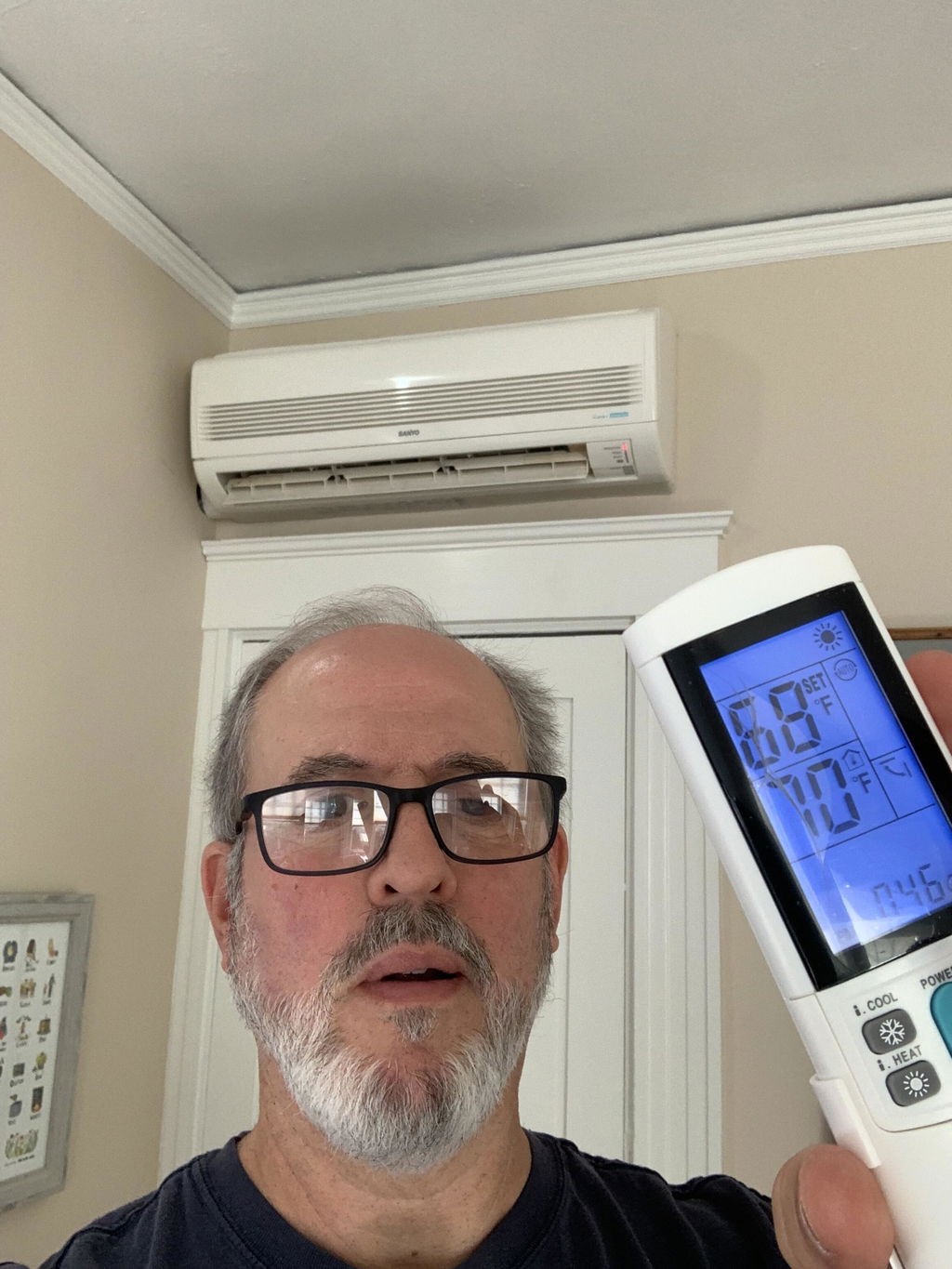
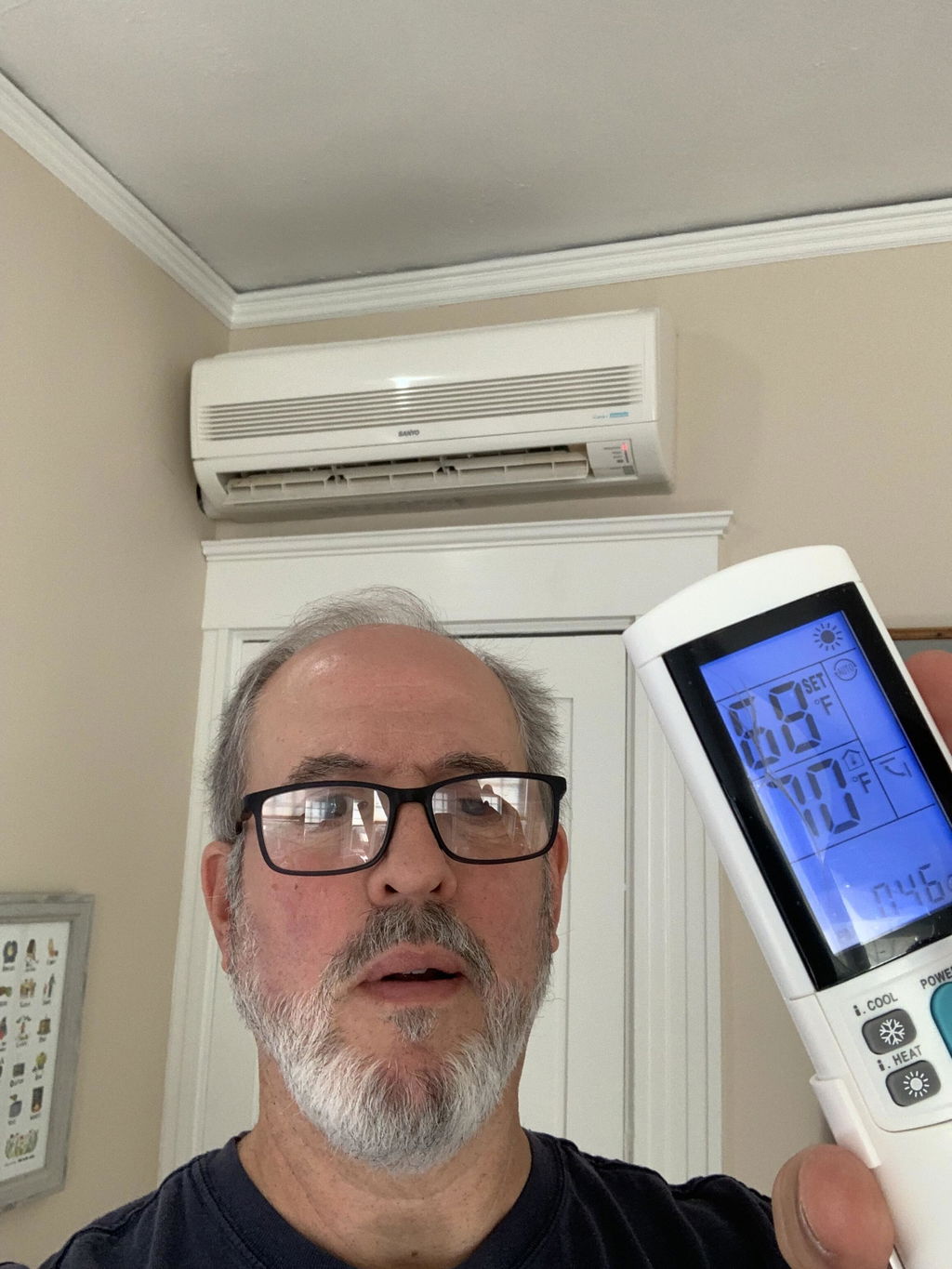
The remote took some tinkering before getting it to work but they came with great directions. I was using the remote within five minutes. They have really good customer service. I accidently bought the extra shipping and requested a refund. They replied and refunded me promptly. Will definitely purchase from here again.
Hi Joseph, we're thrilled to hear you had a positive experience! Thank you for your kind words about our instructions and customer service. Looking forward to serving you again!
It did not work at all when I got it. It was a bad batch of batteries, and the remote was defective.
Not used yet!
Quick to ship. Item is as described and operated my unit right off the bat. No special code required. I can now have full use of my portable Hisense unit's features.
Excelente
Remote came fast and it worked! I had bought a generic remote earlier and that one did not work.
did not work and came scratched like it had already been used.
Hi, sorry to hear. We are more than happy to send you another. We didn't do it on purpose, I promise. Email us or call us so we can get your order straightened out.
Works perfectly
Have purchased 2 ktn828 remotes neither one showed the correct temperature. Both remotes were anywhere from 6 to 10 degrees off. With that said they both did work turning the ac unit on and off but its extremely difficult to set the temperature in the room.
Delayed delivery. Exactly what I ordered.
I have a Midea window air conditioner. I broke the remote that came with the unit. I was easily able to program this new remote using the code #s in the instructions. Works perfect. Thank you.
So happy to hear the setup was simple and your Midea AC is back up and running with the new remote. Thanks for trusting Anderic!!
Midea RG15C1/E Air Conditioner Remote Control -
Exactly what I ordered and it functioned . Loved the help I received when the first order I did not receive. EXCELLENT SERVICE AND PRODUCT.
Thank you for the great feedback! We’re so glad everything worked out and that you’re happy with the product and service. We’re always here to help! –The Anderic Team
Works great thank you
It was shipped with the quickest it was a little more than I thought it would be but glad to have it 👍🏾
Midea Omni RG57H1(B)/BGCE-M omni max Portable Air Conditioner Remote Control - 17317000A63232
Programming the remote was not difficult. The screen is lighted and is much larger than my original LG unit. I'm well pleased with the purchase.
Great Product thank you!
I am very disappointed that the remote I received did not work although I put in new batteries and checked it completely. I am very disappointed that I have to pay the shipping return of almost $8.00 for something that didn't work.
I Do not have an order, because you DID NOT fill it! There seems to be a communication gap between the employees.
Fast Shipping no hassle payment all around great company so far.
Totally satisfied!
Works just like original remote. Pulled it out of the box, slotted the batteries in and went to work with no issues. Fair price too.
Excellent product
It works on my Sanyo wall mounted air conditioner.
It works on my Sanyo wall mounted air conditioner.
Works as described, fast shipping. Price was right.
Remote works perfectly! Our serviceperson told us 3 years ago that the unit was so old that remotes were obsolote. I had given up looking until I found Dan's Electronics site. A $20 remote vs. $5000 replacement of the whole unit was a lifesaver!