Product help/documentation (if applicable): User Guide
Features:
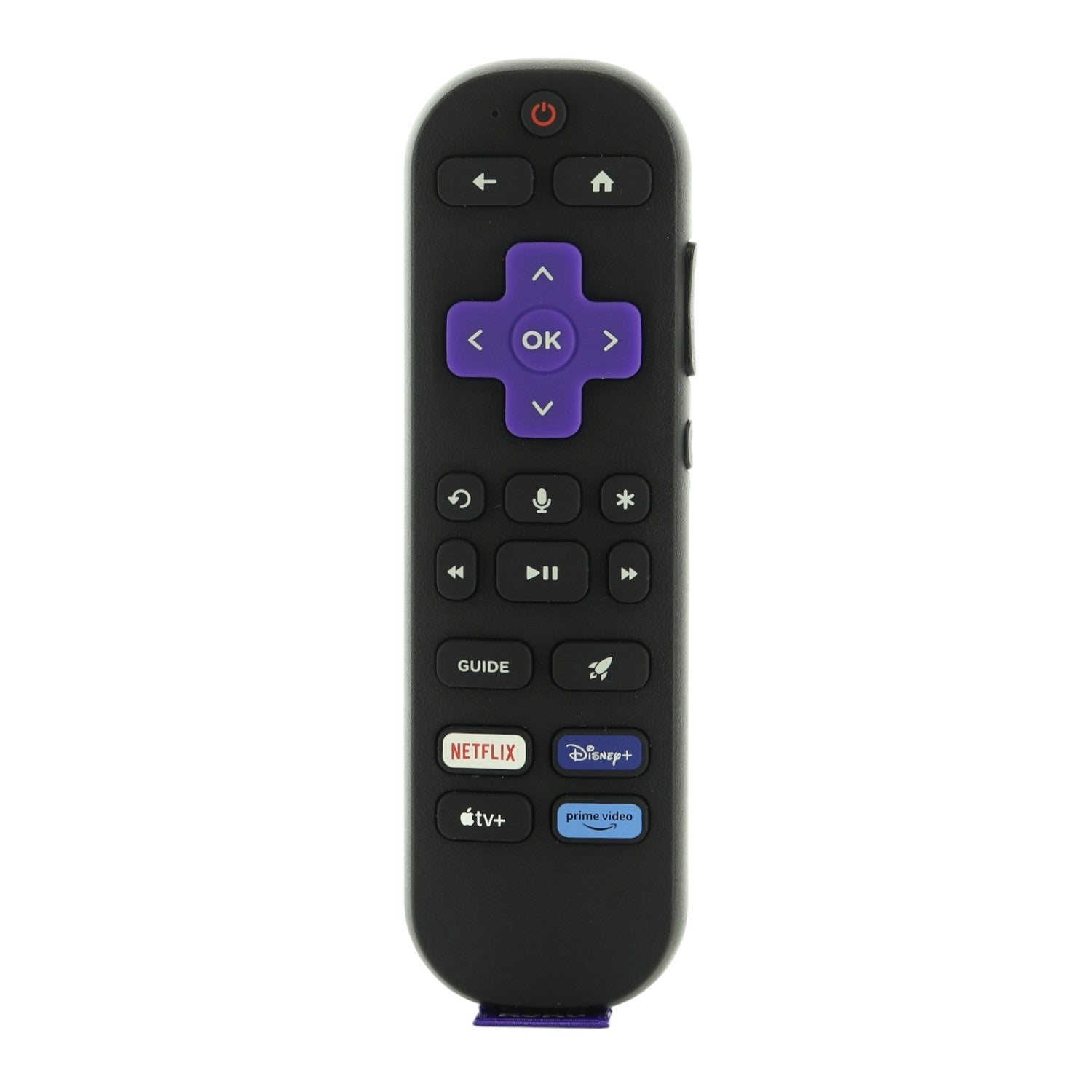
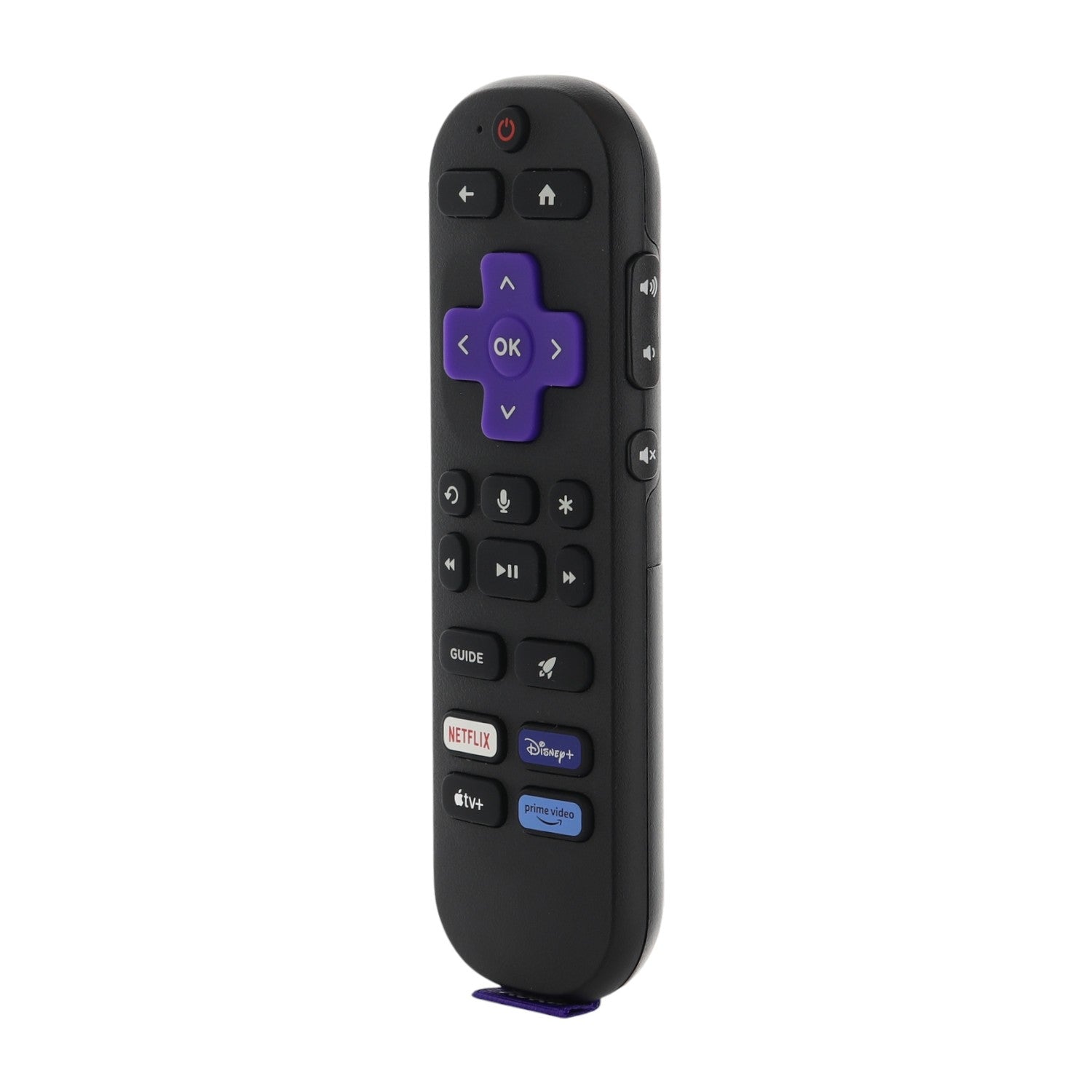
- The remote that came with Roku streaming players. It works with models such as Roku RC-BR2 (part number 3026000133).
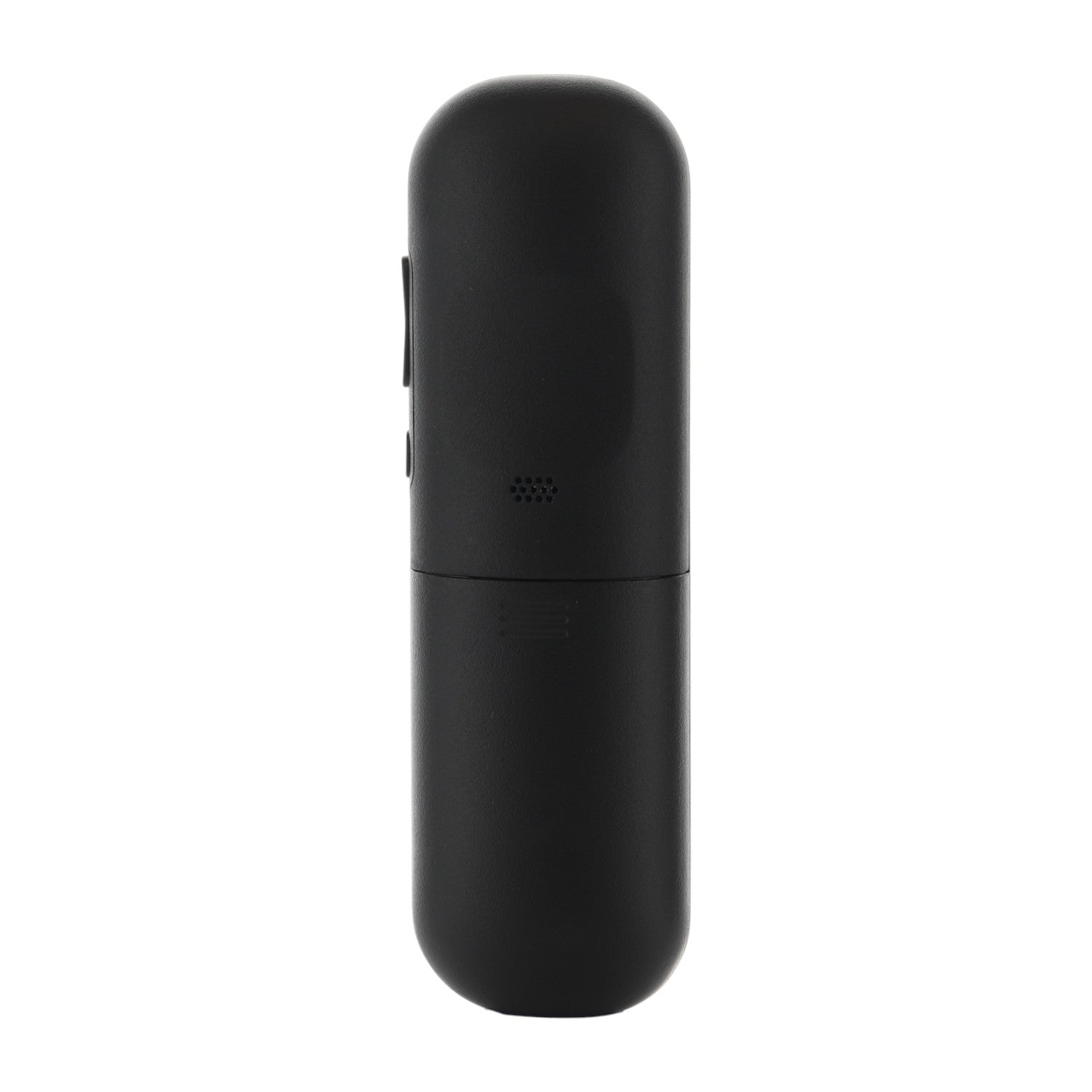
- Insert 2 AAA batteries, then restart your Roku device or Roku TV, unplug the power for at least 5 seconds, and plug it back in. When the Home screen appears, press and hold the pairing button (in the battery compartment or on the back of the remote) for 5 seconds, until the status light flashes.
- RF (radio) operation, so it does not need to be aimed once paired.
- Voice control (press and hold the voice button and speak) and shortcut keys for Netflix, Disney+ and Apple TV. Works with Roku devices and Roku TVs only and it is not a multi-brand universal remote.
- Takes 2 AAA batteries, not included.
Part/Model Number: 3026000133 / RC-BR2
Power Information: 2 AAA Required, Not Included
FCC ID (if applicable): TC2-R1052
Compatible with models (if applicable): RC-BR2, 3026000133