


Description
Specifications
Compatible Substitutes and Related Products
It doesn’t work. Trade and reread the instructions and you can’t even get it into the setup mode to program anything. The only thing it does is light up when you press any button and the dvd light goes on but won’t stay in the program mode.
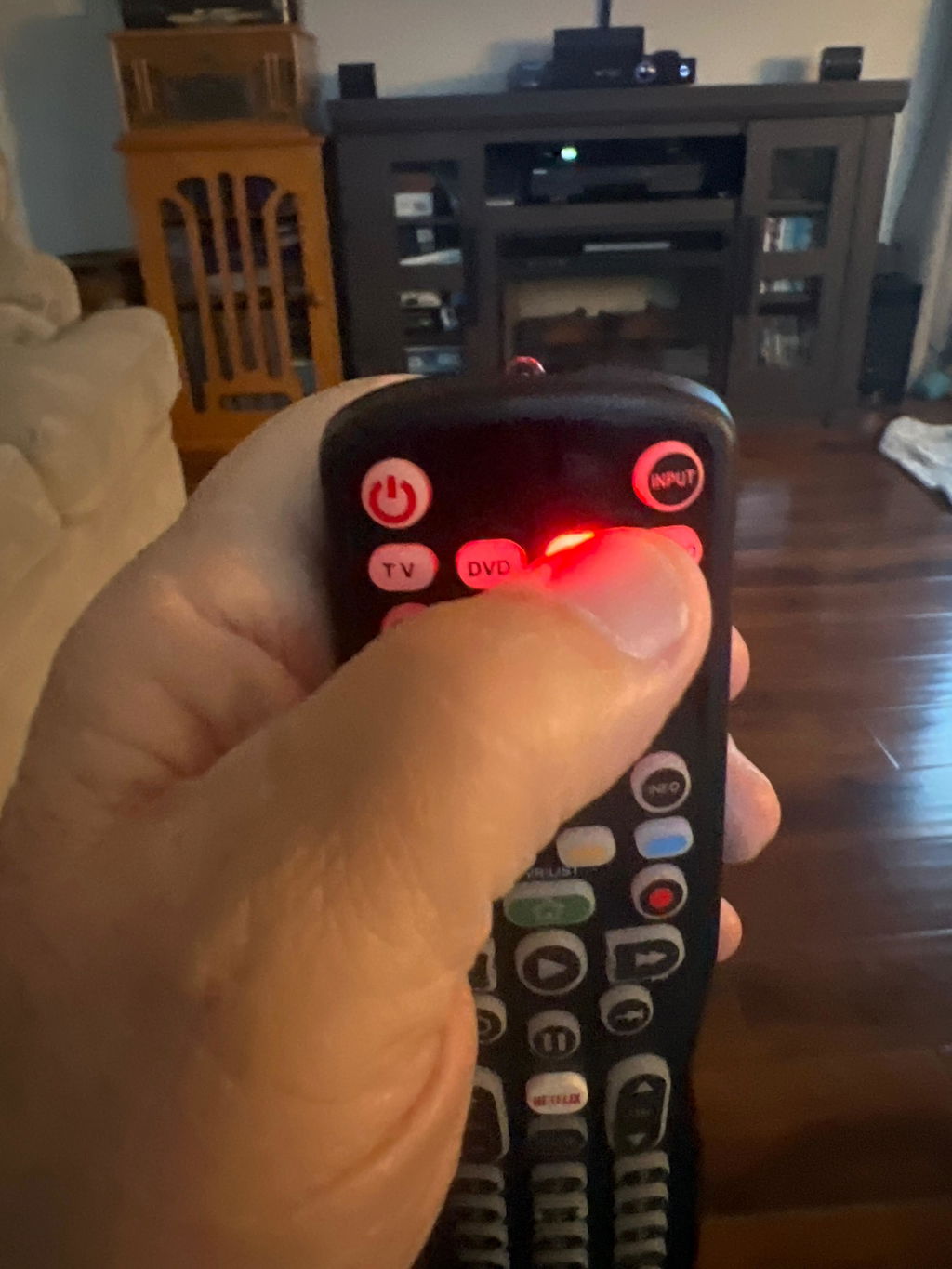
Hi, this issue is caused by weak batteries. Please try a new set of batteries. Thanks
I didn't think that I liked it at first but I've come to really like it. It was as easy to program as my last one. Which is fortunate because most of the functionality had to be programmed one button at a time. I like that I could turn off the lights. It's only been a few short months and it finally has all the functionality of the original remotes and I can even (usually) remember which button does what. I've now recycled my old universal remote.
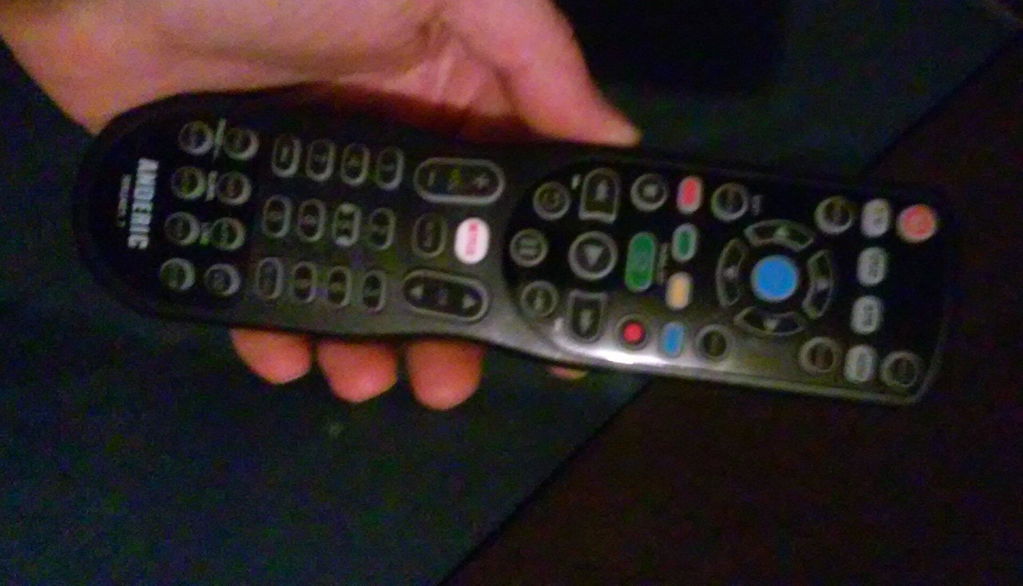
Very quick shipping. Controls everything. Today's harmony one
Hi there! We're thrilled to hear the remote controls everything smoothly and arrived quickly. Thanks for sharing your positive experience!
Very helpful and responsive to my calls. Remote works just as advertised and I'm very happy with the purchase.
Don’t love. Was sold more than the experience delivers. Check out the YouTube comments on the instruction video.
The remote works good and satisfied
Remote works good with Yamaha R-V703. Controls on- off, volume and sources.
Hi Bob, we're glad to hear the remote works well with your Yamaha R-V703! Thanks for sharing your experience.
Works great for hotel LG TV's. Easy programing.
After receiving my remote control, I called Dan's Electronics to state how happy I was in the overall process, from their answering my initial phone call promptly, placing my order, product availability, delivery status, receipt, packaging, and ease of installation.
I was disappointed that the remote does not have a code for the Spectrum 210 STB.
I put in new batteries and programmed the remote. I have a Sony FM/AM stereo receiver I wanted it to work with. It programmed properly. I pressed Audio mode, used the channel + button, and when it hit the right code the receiver turned off as it was supposed to. I pressed the power button to save. However, pressing the power button again wouldn't turn it on again. So it thus became useless. Having to return it. Sorry.
Anderic RRU401.5 Remote Control works "somewhat" as a replacement for the RS7 remote to my Yamaha R7 Receiver/Sound Unit. I tried all the Yamaha codes, and the best I could get is presets, volume, selects for Tuner/CD/Phono. Could not get any selects to work for On/Off, Tape 1 or 2, Video.
I got all jazzed up, thinking that your universal remote would work
But I try everything and it still doesn’t work so I had to return return it
I called customer service. They were terrific.
Sent me a label for the USPS and I’m gonna keep looking around because this Panasonic triple play 20 inch TV is Vintage and I really want to find a remote for it
Thank you for sharing your experience with us! We’re sorry the universal remote didn’t work with your vintage Panasonic TV, but we’re glad to hear our customer service team was able to assist you with the return. We appreciate your kind words and hope you’re able to find the perfect remote for your setup — and we’ll be here if you need any help along the way!
Programming the remote was not intuitive and required multiple attempts.
Website guaranteed that the Remote I ordered works with my Sharp ST-DA1000 digital audio Amp. Received Remote does not work with this Sharp product.
Need to return as it does not work with my ToshibaTV.
I wanted to create macros because there are functions that the manufacturer's remote that never had a button and are hidden deep in the menus. However, I have to be able to have the Anderic remote "learn" the buttons to get to those menus. I can't get it to learn these buttons so I can't create the macros. It was easy to get the remote do the basic functions like volume, on/off, change channel. But anything more complex is just too difficult. Wish I could return.
It is a good remote so far. I like the ergonomics of it and how it fits your hand. The backlighting is also nice. The only real issue with this remote is the fact it goes through alkaline batteries fairly quickly. I have since put some lithium batteries in it and it is lasting longer. We will see. I think what should be done is, make the remote so every time you press a button, the backlighting does not flash. It draws the batteries down fast.
On first receiving the remote, I did the auto program. The codes for our TV on the paper didn't seem to work. Afterwards I could not retrieve the code per the instructions. The remote worked perfectly for about a week, even the remote that came with the TV that did not work started working.
After the week or so, buttons like the volume would switch the input from HDMI to TV. Mute would mute but not unmute, it would also switch the input from HDMI to TV. One time I was able to auto program the remote and it worked but only for a day.
Now the remote only works occasionally during a day but repeated events during the same day, it will not work. And it won't work at all for several days at a time. I never know when it's going to work or not.
I can turn on the TV manually on the right side back edge, and switch inputs, volume, etc. It's a good thing I grew up before remote controls even existed. I just wish those controls were on the front of the TV and more visible.
I get about 4yrs before the buttons get flaky.. love this model. Easily combine all functions
Yeah, all is working again !!
Worked as stated.. Easy setup on multiple devices. Good product and will recommend.
Works like a dream. Mainly, I need this specific remote because I have a Channel Master DVR (which isn't supported any more). It took a little figuring out how to work both the DVR AND my Roku smart TV (and I called for some help and got it). So, works great.
These are compatible with ALL my electronics. They can learn functions, but the software is buggy. You might have to remove the batteries, reinsert, then continue programming the remote. You might have to do a CLEAR ALL and start again. Eventually it can be taught everything you need. There are a couple issues - they eat up Duracells fairly quickly, and the buttons wear out kinda fast. It starts when you have to press a button very firmly to make it work. Then it gets to where that button won't work at all. Blech, worn out. lol
So, these are cheap. Buy several and program them all. When one dies, get out a new one.
have not been able to program it
We purchased 2 of these to replace failing channel master remotes. They were the recommended ones according to the web site but should have gotten the different model as these are not connecting. We are returning. Dan's help desk was very good to work with.
Changes volume but will not change channels. Will try all codes again but does not seem to work after I tried all codes previously.
Works well for old Channel Master antenna DVD, LG TV, and Panasonic DVD player.
Learns special keys easily from other remotes.