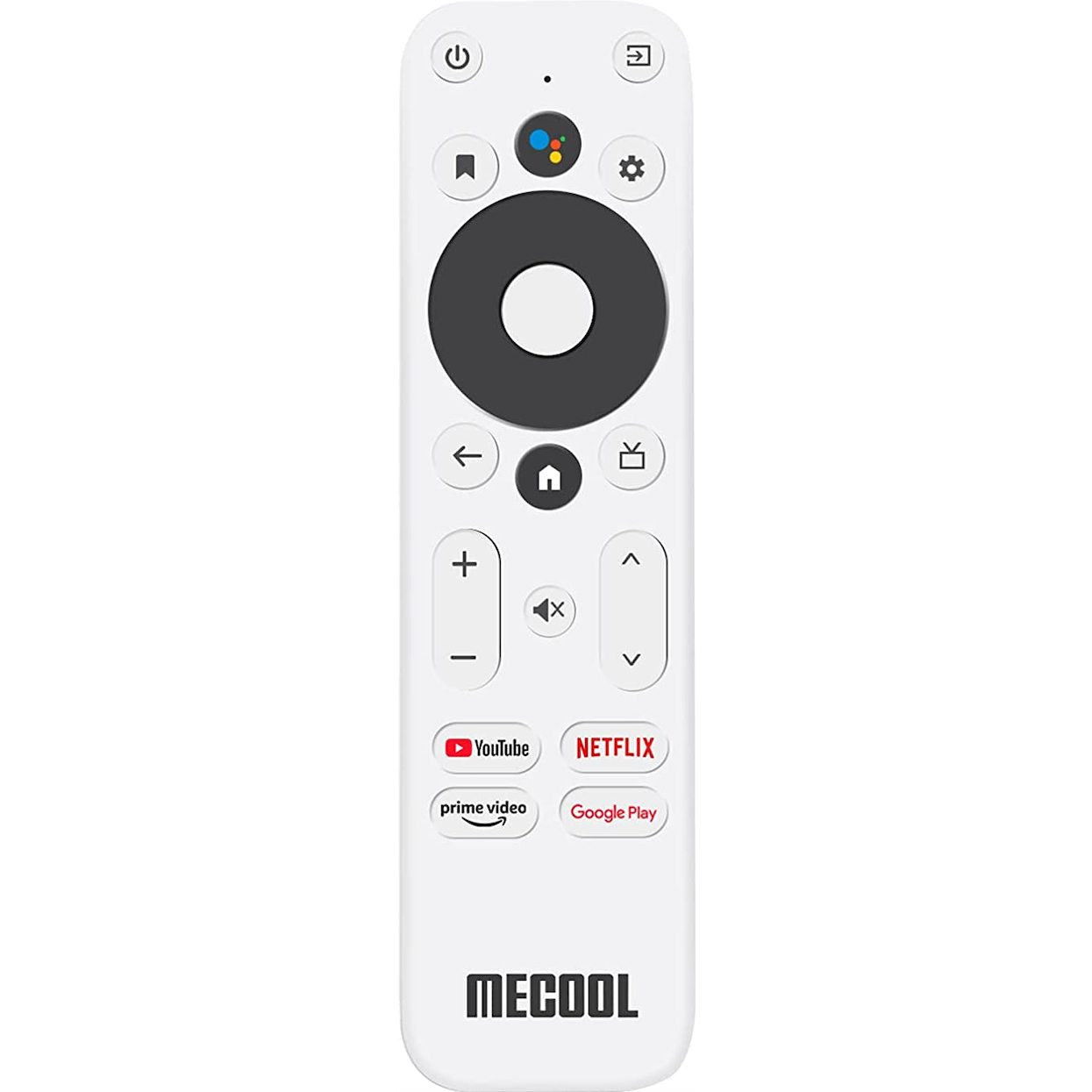
Features:
- Works with MECOOL Android 10.0 TV Box KM2, Android 11 KD5 TV Stick 4K.
- Insert 2 AAA batteries (not included). On the KM2, hold BACK and HOME together until the remote's LED flashes quickly, then follow the on-screen pairing. On the KD5, hold BACK and HOME for 5 seconds while near the stick, then follow the on-screen setup.
- Navigation and playback control for streaming services.
- Sends a radio frequency (RF) signal.
- Uses 2 AAA batteries, not included.
Part/Model Number: KM2/KD5REM / KM2 / KD5
Power Information: 2 AAA Required, Not Included
Supplied with models (if applicable): Android 10.0 TV Box KM2, Android 11 KD5 TV Stick 4K
Compatible with models (if applicable): KM2, KD5