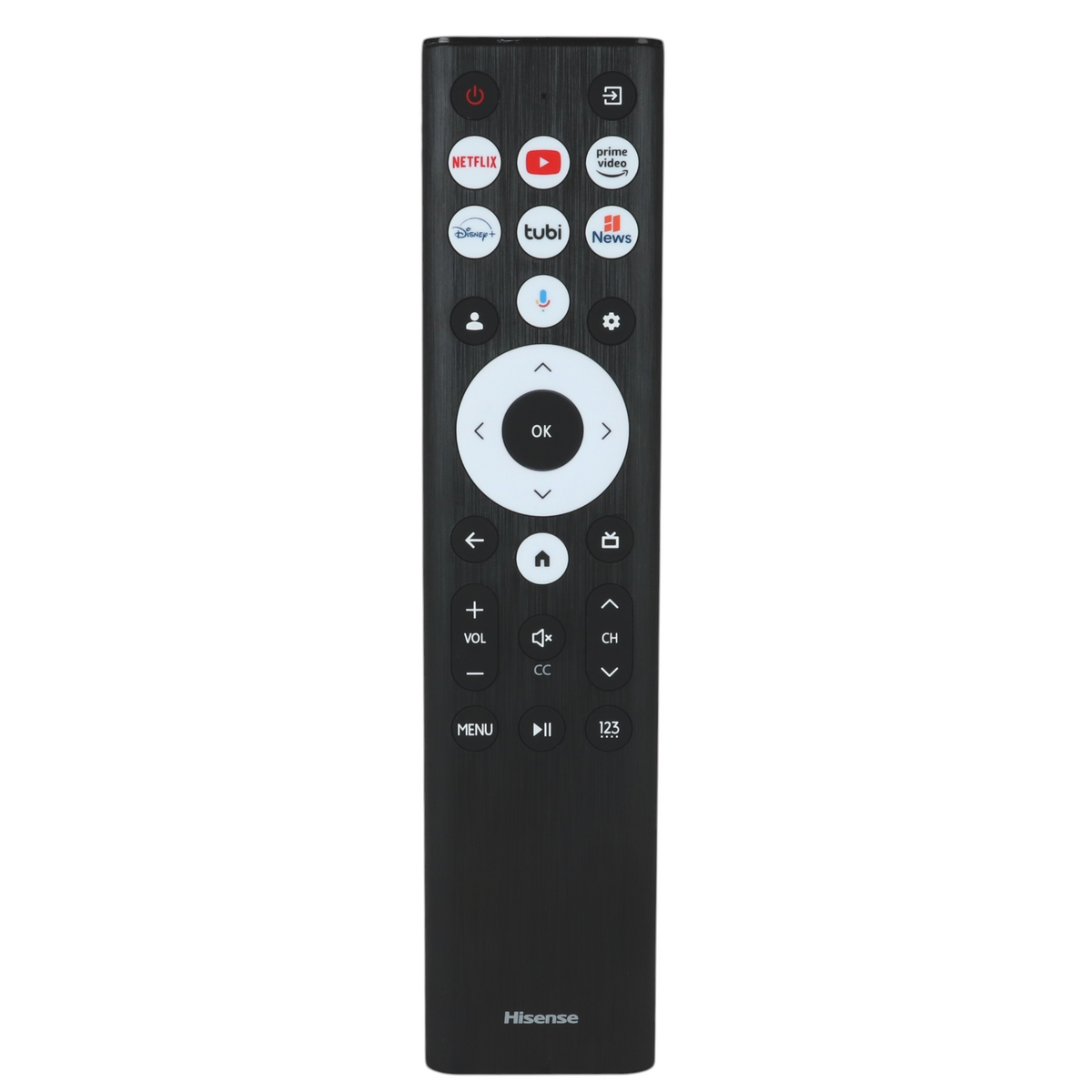
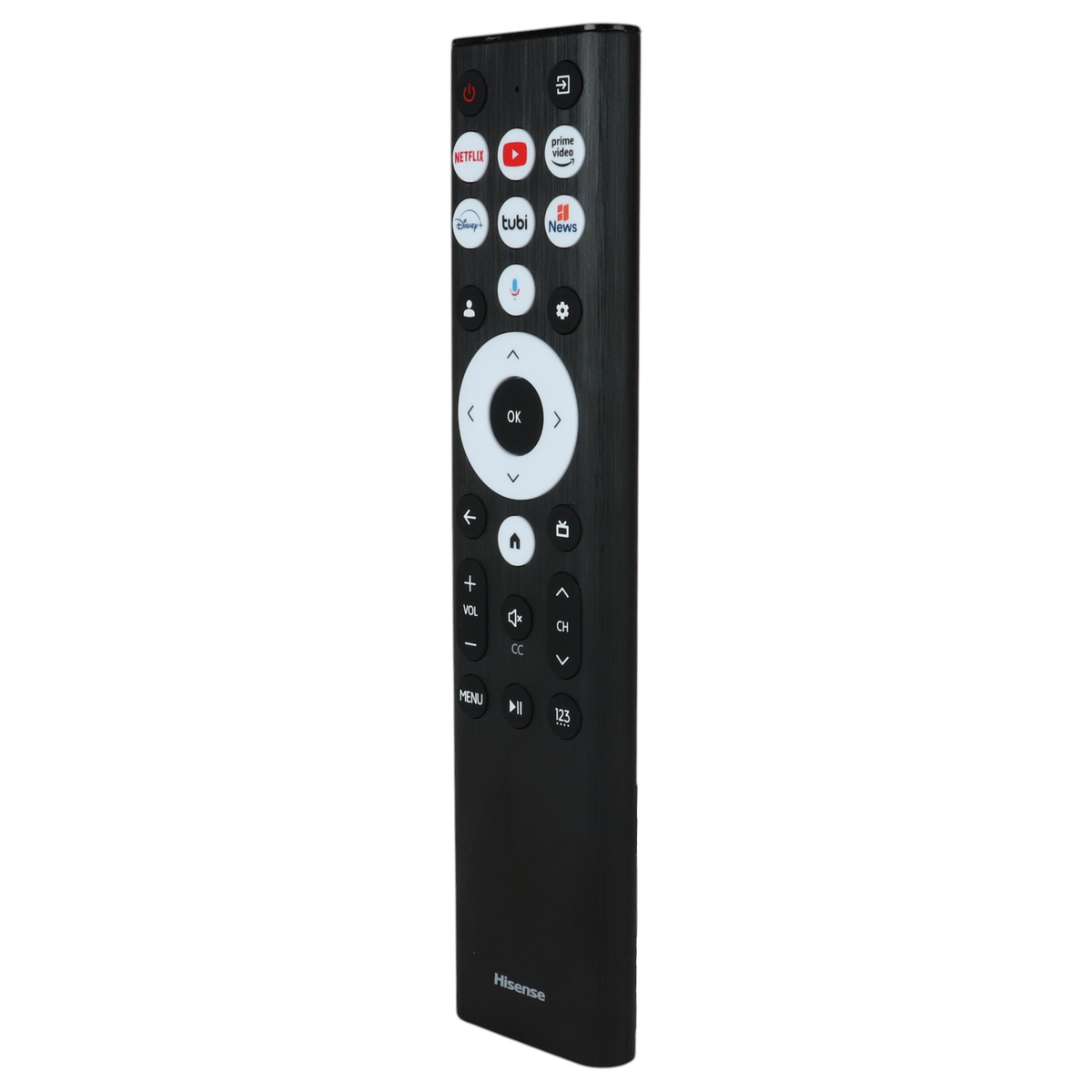
Product help/documentation (if applicable): User Guide
Features:
- The remote that came with Hisense Google TVs, including 43A7K, 43A65K and 43A78K.
- Insert two AAA batteries, and Power, volume, input and app keys work by infrared without pairing, then turn on the TV, wait for the home screen and point the remote at it. Press and hold MENU for 3 seconds, and the light flashes red while pairing and blue three times when paired.
- RF (radio) operation, so it does not need to be aimed once paired.
- Voice control (press and hold the voice button and speak) and works only with Hisense Google TV / Android TV models (A7, U6 and U8 families). Not for VIDAA, Roku TV or Fire TV models and Google Assistant voice needs Bluetooth pairing.
- Takes 2 AAA batteries, not included. App keys may vary, and we may ship the newest model of this remote.
Part/Model Number: ERF6B80HL / ERF6B80HL
Power Information: 2 AAA Required, Not Included
Supplied with models (if applicable): 43A7K, 43A65K, 43A78K, 43A7N, 43A75N, 50A7K, 50A65K, 50A78K, 50A75N, 55A7K, 55A65K, 55A78K, 55A75N, 65A7K, 65A65K, 65A78K, 65A75N, 75A7K, 75A65K, 75A78K, 75A7N, 75A75N, 55U8QG, 55U88QG, 65U8QG, 65U88QG, 75U8QG, 75U88QG, 85U8QG, 85U88QG, 100U8QG, 100U88QG, 65U6N, 75U6N
Compatible with models (if applicable): ERF6B80HL, RF585A-T1-03, 43A7K, 43A65K, 43A78K, 43A7N, 43A75N, 50A7K, 50A65K, 50A78K, 50A75N, 55A7K, 55A65K, 55A78K, 55A75N, 65A7K, 65A65K, 65A78K, 65A75N, 75A7K, 75A65K, 75A78K, 75A7N, 75A75N, 55U8QG, 55U88QG, 65U8QG, 65U88QG, 75U8QG, 75U88QG, 85U8QG, 85U88QG, 100U8QG, 100U88QG, 65U6N, 75U6N