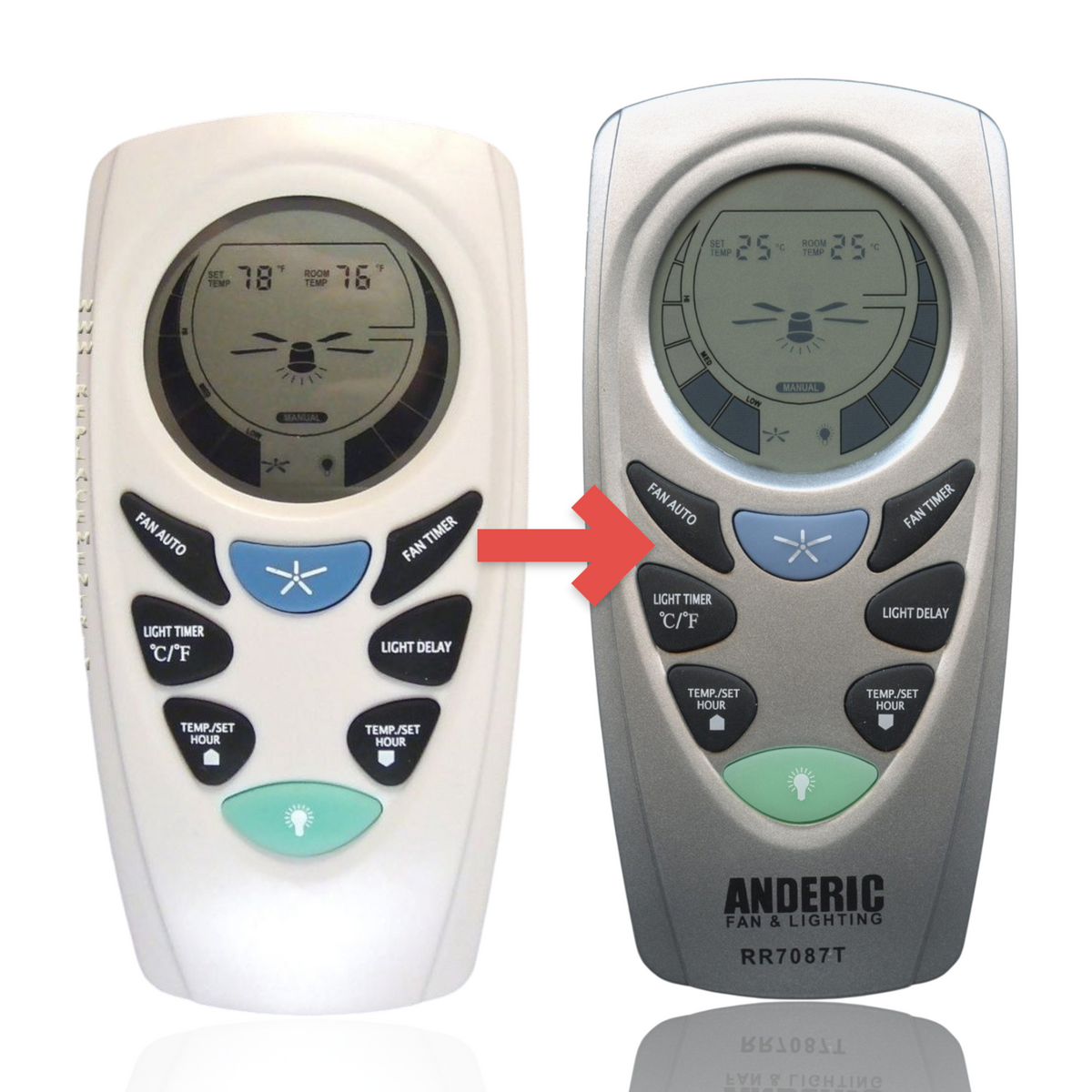
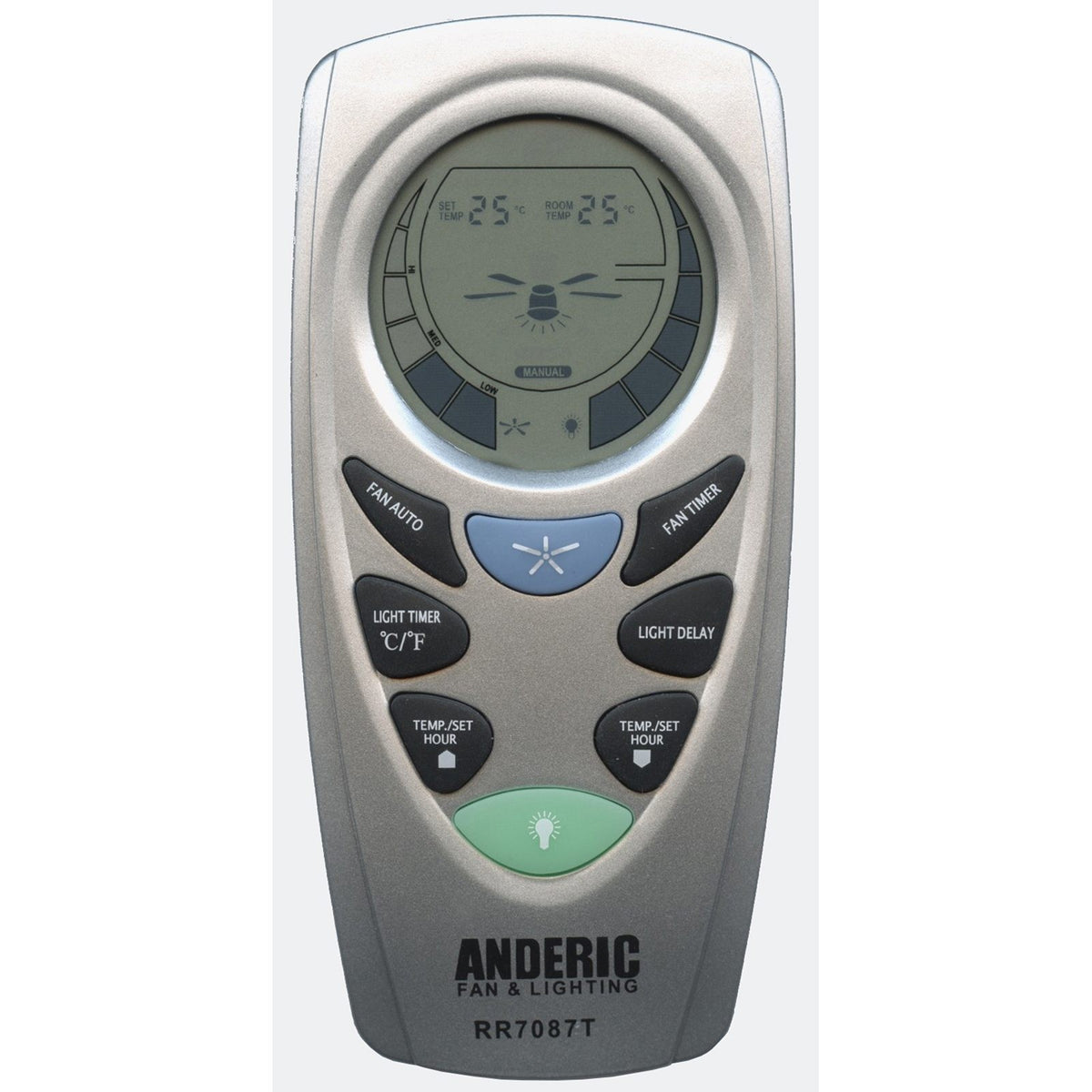
The Anderic RR7087T is a substitute for the Hampton Bay UC7087T remote. It is a 3-speed ceiling fan remote with wall mount.
Specifications
- Shipped remote: Anderic RR7087T
- Radio frequency (RF)
- Batteries: 4 AAA (not included)
Good to Know
- Works with 3-speed AC fans with a UC7067FCRX receiver
- Key names and layout may differ from the original. Compare your original's buttons before ordering.
Setup / Pairing
Down-light control only; this remote does not independently control both upper and lower lights. FAN AUTO thermostat, Fan Timer, Light Timer and Light Delay are supported.
Turn off power at the circuit breaker before opening the canopy or touching or adjusting the receiver. Match or record receiver switches with power off; close covers, then restore power to test. If you are not opening the receiver, you may try remote-only code patterns.
- Make sure the fan has power and works with its wall switch on.
- Remove the remote's battery cover: push firmly below the arrow and slide it off. Set the code switches before installing the battery, because on some models the battery covers the switch panel.
- With a small screwdriver or pen tip, slide the 4 code (dip) switches up or down to a pattern of your choice. The factory setting is all up.
- Set the 4 code switches on the fan's receiver to exactly the same pattern as the remote. The remote and receiver only work together when the patterns match.
- Insert the battery (not included), matching the polarity marks, and replace the battery cover.
- Test: press a fan speed key and the light key. The fan and light respond when the patterns match.
- If you cannot reach the receiver: set the remote's switches to one of the 16 patterns, press a key to test, and if the fan does not respond, move to the next pattern. Repeat until the fan responds.
- If the fan or light turns on and off by itself, another remote is interfering: set a new matching pattern on both the remote and the receiver.
What's in the Box
- 1 Anderic RR7087T remote
- Batteries not included
Compatible Models
Before ordering, check the model or part number printed on your old remote (usually on the back or inside the battery compartment) and compare it to this list.