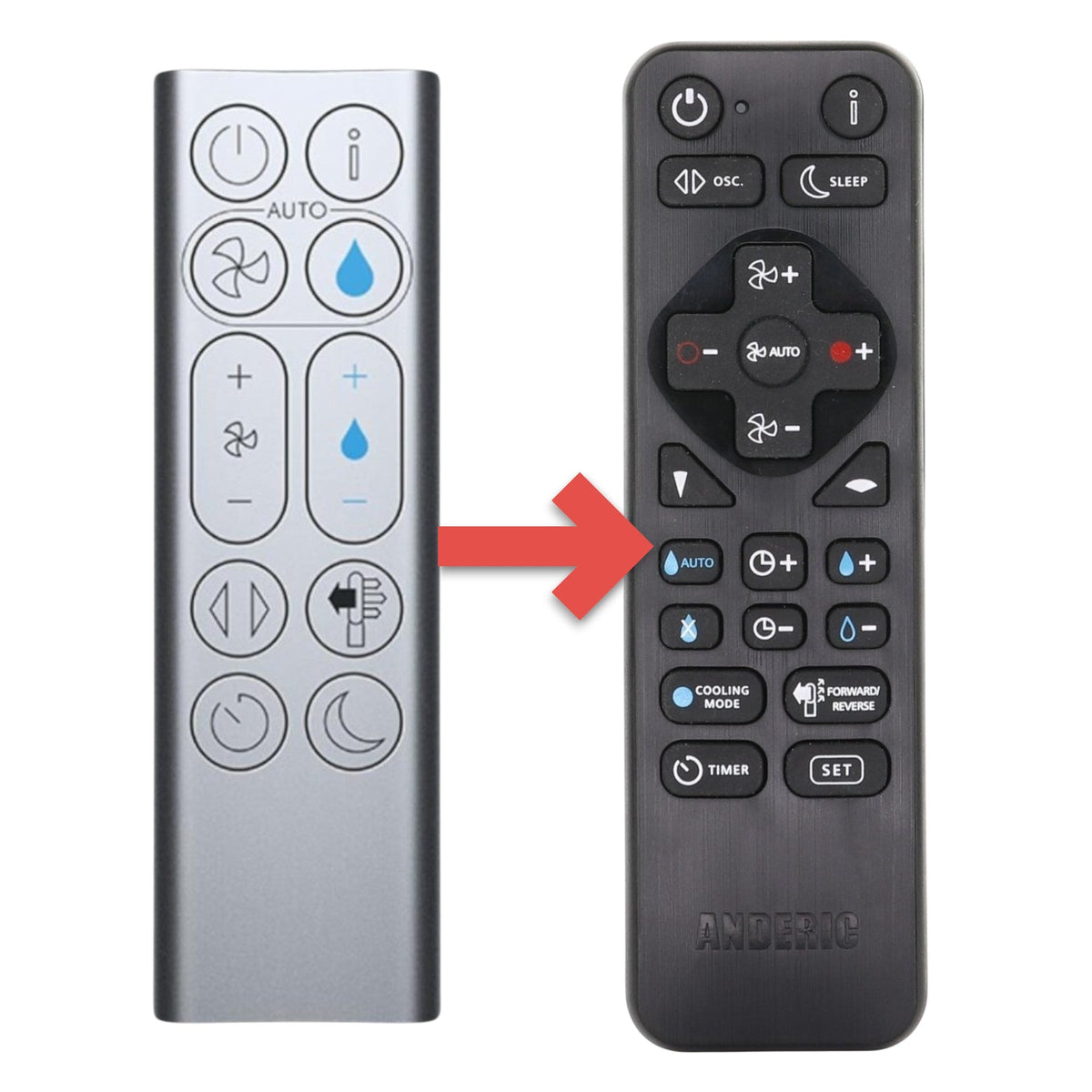
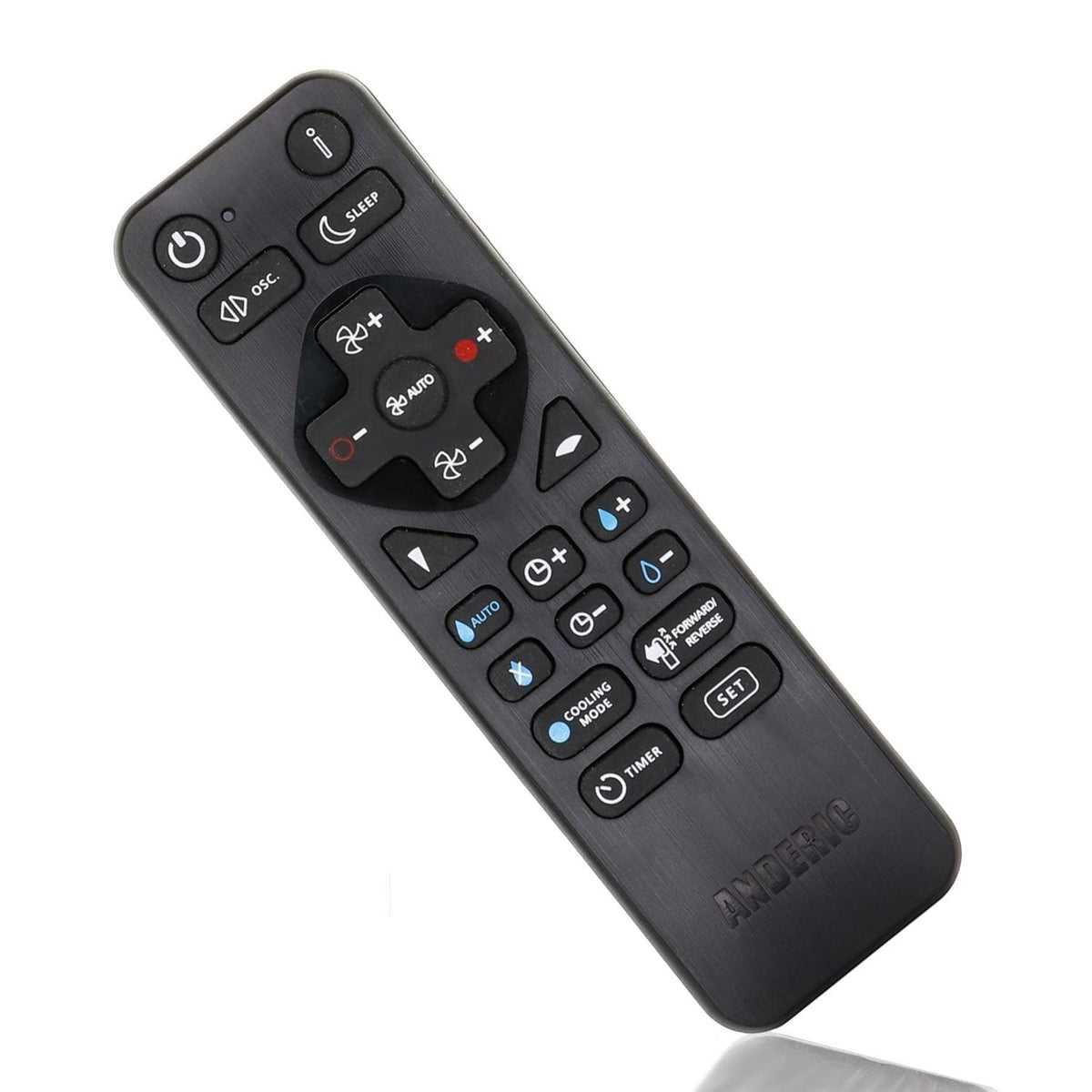
The Anderic RRDYS01.2 is a substitute for the Dyson remote used with the PH01 Humidify+Cool purifier humidifier fan (original part 970486-06). It is an infrared (IR) remote. Programming from the code sheet or learning mode may be required.
Specifications
- Shipped remote: Anderic RRDYS01.2
- Infrared (IR): aim it at the device; a clear line of sight is needed
- Batteries: 2 AAA (not included)
Good to Know
- Key names, layout and the look of the case may differ from the original. Compare your original's buttons before ordering.
- This remote does not have a magnetic backing, so it will not snap onto the machine the way many Dyson remotes do.
- The published Anderic RRDYS01.2 compatibility list includes PH01 and 970486-01 through 970486-10. It does not specifically name PH03, PH3A, or part 970486-15. If a listed code does not operate your machine, try another code from the sheet or use learning mode.
- Compatibility is not guaranteed for every Dyson model.
- An optional CBL01 security cable is sold separately.
Setup / Pairing
- Insert two AAA batteries (sold separately), matching the polarity marks. An optional screw can be used to secure the battery cover.
- To program from the code sheet: hold the two keys beside the fan model for about 3 seconds, until the indicator blinks twice. If that code does not work, try an alternative code from the sheet.
- To use learning mode (the original remote is required): hold SET and the red + key for about 5 seconds. Aim the remotes head-to-head 1–2 inches apart and teach the keys you need. Press SET and FAN- to save, or wait about 20 seconds for the remote to exit learning mode on its own.
What's in the Box
- 1 Anderic RRDYS01.2 remote
- Batteries not included
Compatible Models
This listing is sold as a substitute for the Dyson remote used with:
- Dyson PH01
- PH01 Humidify+Cool
- 970486-06
The Anderic RRDYS01.2 also supports a broader published list of Dyson fans and heaters (including AM02–AM11, HP00–HP09, TP00–TP09, DP, PH and related models).
Before ordering, check the model or part number printed on your old remote (usually on the back or inside the battery compartment) and compare the photos and button layout to your current remote. If you are not sure, contact us with your model or a photo of the original remote.