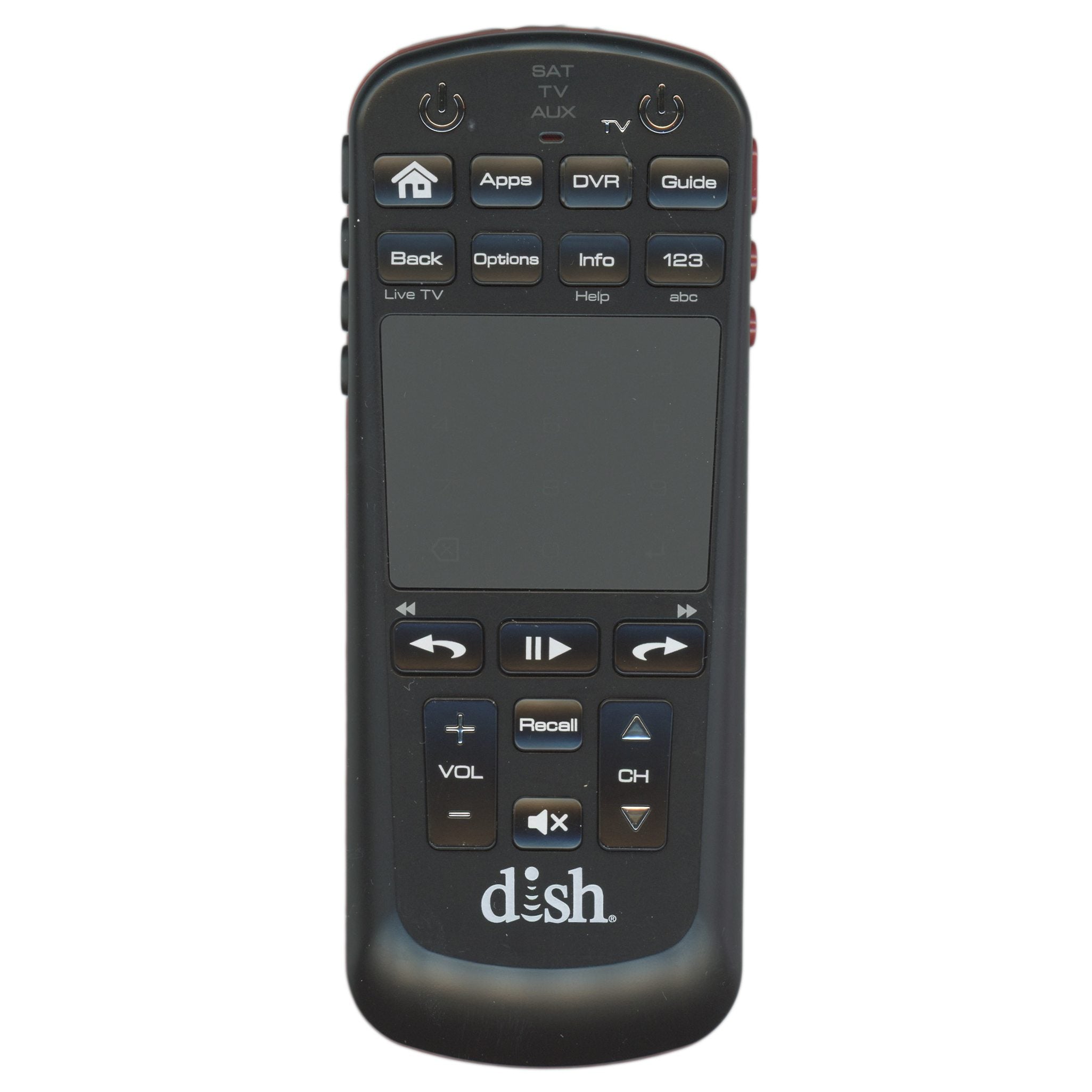
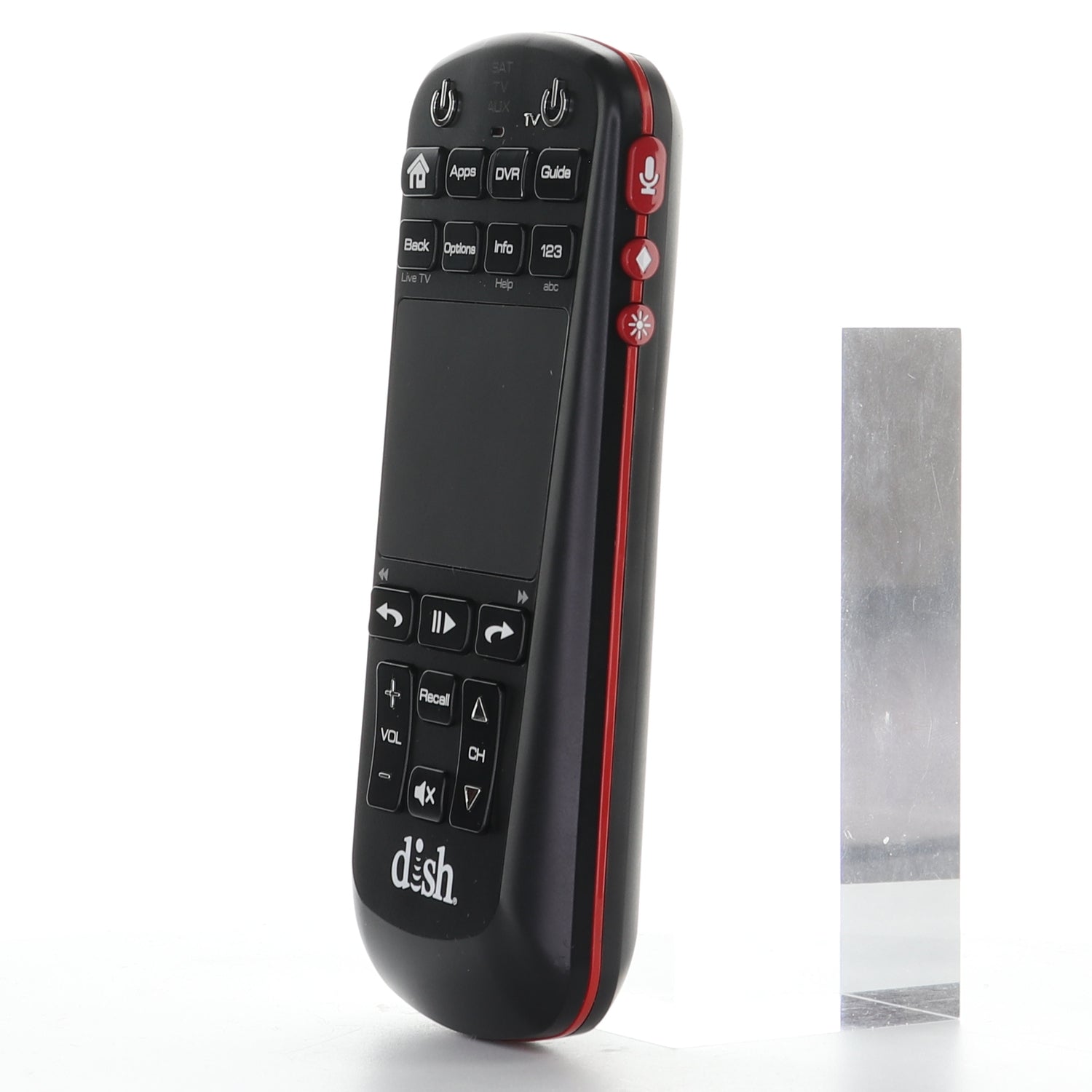
This is the Dish-Network 50.0 remote.
Specifications
- Infrared (IR); point it at the device
- Batteries: 2 AA (not included)
Good to Know
- Voice commands need a Dish receiver that supports voice.
Setup / Pairing
Turning on and pairing the remote
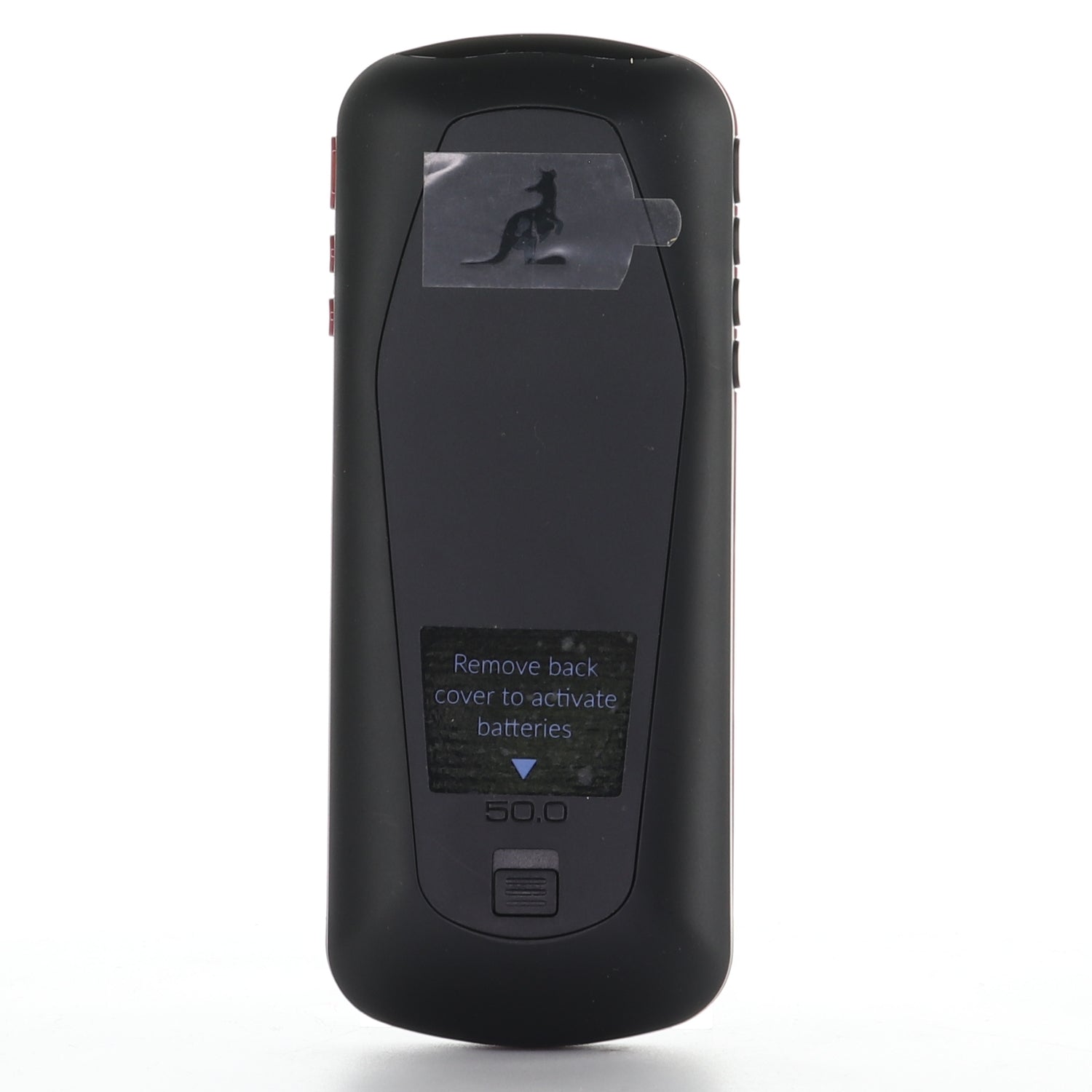
- Remove the back cover by pushing the tab upward, and remove the PULL tab.
- Replace the back cover.
- Open the front panel of your DISH receiver and press SYS INFO.
- Press the SAT button on the side of the remote. Three beeps mean it has paired with the receiver.
Programming the remote to your TV
- Press Home twice.
- Select Settings, then Remote Control.
- Select TV, then TV Pairing Wizard, and follow the prompts. You can also pair an auxiliary device such as a Blu-ray player.
What's in the Box
- 1 Dish-Network 50.0 remote
- Batteries not included
Compatible Models
Before ordering, check the model or part number printed on your old remote (usually on the back or inside the battery compartment) and compare it to this list.