

Anderic Substitute Kit for Casablanca 99198 / IN2TX50 4-Speed Ceiling Fan Remote Control - K6266-08 [63T-AC83T-KIT]


Anderic Substitute Kit for Casablanca 99198 / IN2TX50 4-Speed Ceiling Fan Remote Control - K6266-08 [63T-AC83T-KIT]
Key Features
- Replaces your Casablanca 99198 / IN2TX50 / K6266-08 with a ceiling fan remote and receiver kit (16 dip codes). Fits units such as 51205 Pacer 44 in.
- To set it up in place of your Casablanca 99198 / IN2TX50 / K6266-08, remove the remote's battery cover and set the code (dip) switches up or down in a pattern of your choice. The factory setting is all up, then set the receiver's code switches to the same pattern, and replace the battery cover.
- Includes a remote and a receiver so both ends are matched.
- Controls fan speed and light, and 16 dip-switch codes help avoid interference with nearby fans.
- Takes 2 AAA batteries, not included.
Don't forget these
The Anderic 63T-AC83T-KIT is a substitute for the Casablanca 99198 / IN2TX50 / K6266-08 kit. It is a ceiling fan remote and receiver kit (16 dip codes).
Specifications
- Kit: Anderic 63T-AC83T-KIT
- Radio frequency (RF)
- Batteries: 2 AAA (not included)
- For AC ceiling fans only; not for DC or solid-state fans
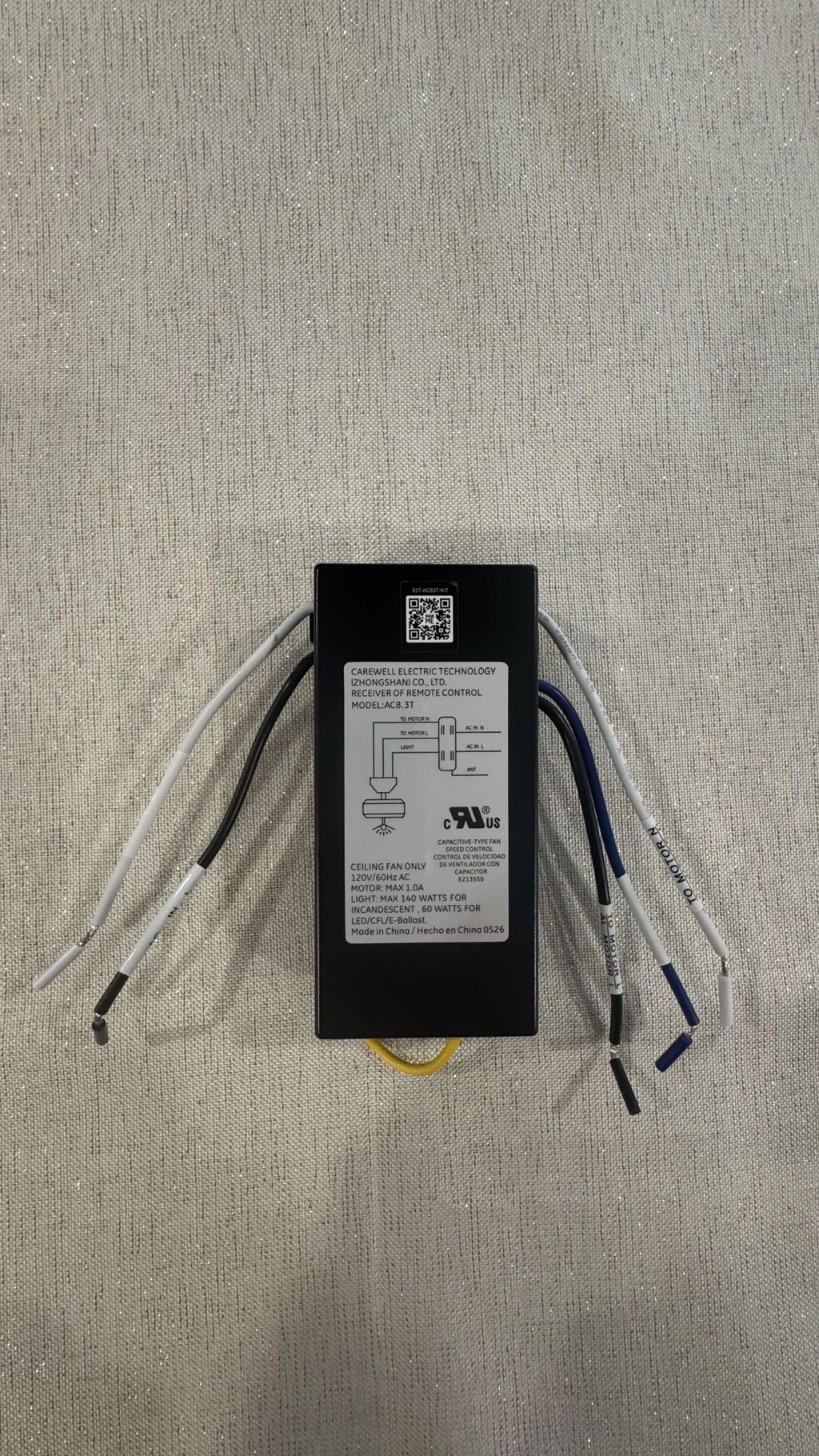
- Supply: 110/120 V, 60 Hz; maximum fan motor 1.0 A; maximum light 190 W (incandescent or LED)
- Separate fan and light control: HIGH, MEDIUM, LOW and fan power keys
- Light key: press for on/off, press and hold to dim; the receiver remembers the brightness
- Timer key for a 2, 4 or 8 hour light delay, shown by an LED on the remote
- One remote can run two fans, or two remotes can run one fan, by matching dip switches
- Works with fans that have no light kit (leave the blue light wire unconnected)
Good to Know
- Key names and layout may differ from the original. Compare your original's buttons before ordering.
Setup / Pairing
1. Install the receiver
- Turn the power off at the circuit breaker or remove the fuse. A qualified electrician is recommended. Make sure the receiver fits in your fan canopy before you start.
- If your fan has pull chains, set the fan chain to high speed and turn the light chain on.
- Set the receiver's 4 code switches to a pattern of your choice and note it. The factory setting is all up; we suggest not using it.
- Remove the fan canopy from the mounting bracket and disconnect the existing wiring between the fan and the ceiling junction box.
- Connect the receiver with the supplied wire nuts: green fan wire to the bare (ground) supply wire; black receiver wire AC IN L to the black wire from the ceiling; white receiver wire AC IN N to the white wire from the ceiling; white receiver wire TO MOTOR N to the white fan wire; black receiver wire TO MOTOR L to the black fan wire; blue receiver wire FOR LIGHT to the blue fan wire. If your wires are different colors, have a licensed electrician install it.
- Push the connections up into the junction box, lay the brown antenna wire on top of the receiver, set the receiver in the mounting bracket and reinstall the canopy.
- Restore power.
2. Pair the remote
- Press firmly on the arrow and slide the remote's battery cover off.
- With a small screwdriver or pen tip, slide the remote's 4 code switches to exactly the same pattern as the receiver. The two only work together when the patterns match.
- Insert 2 AAA batteries (not included) and replace the battery cover.
- Test: press the fan speed keys, the power key and the light key. The blue indicator on the remote lights with each key press, and the fan and light respond.
Troubleshooting
- Remote does not work: check that the receiver has power and the wall switch is on, the wiring is correct, any pull chains are on high with the light on, the batteries are in correctly, and the code switches match on the remote and receiver.
- Fan or light turns on and off by itself: another RF remote is interfering; set a new matching pattern on both the remote and the receiver.
- Short range: route the brown antenna wire higher, outside the junction box.
What's in the Box
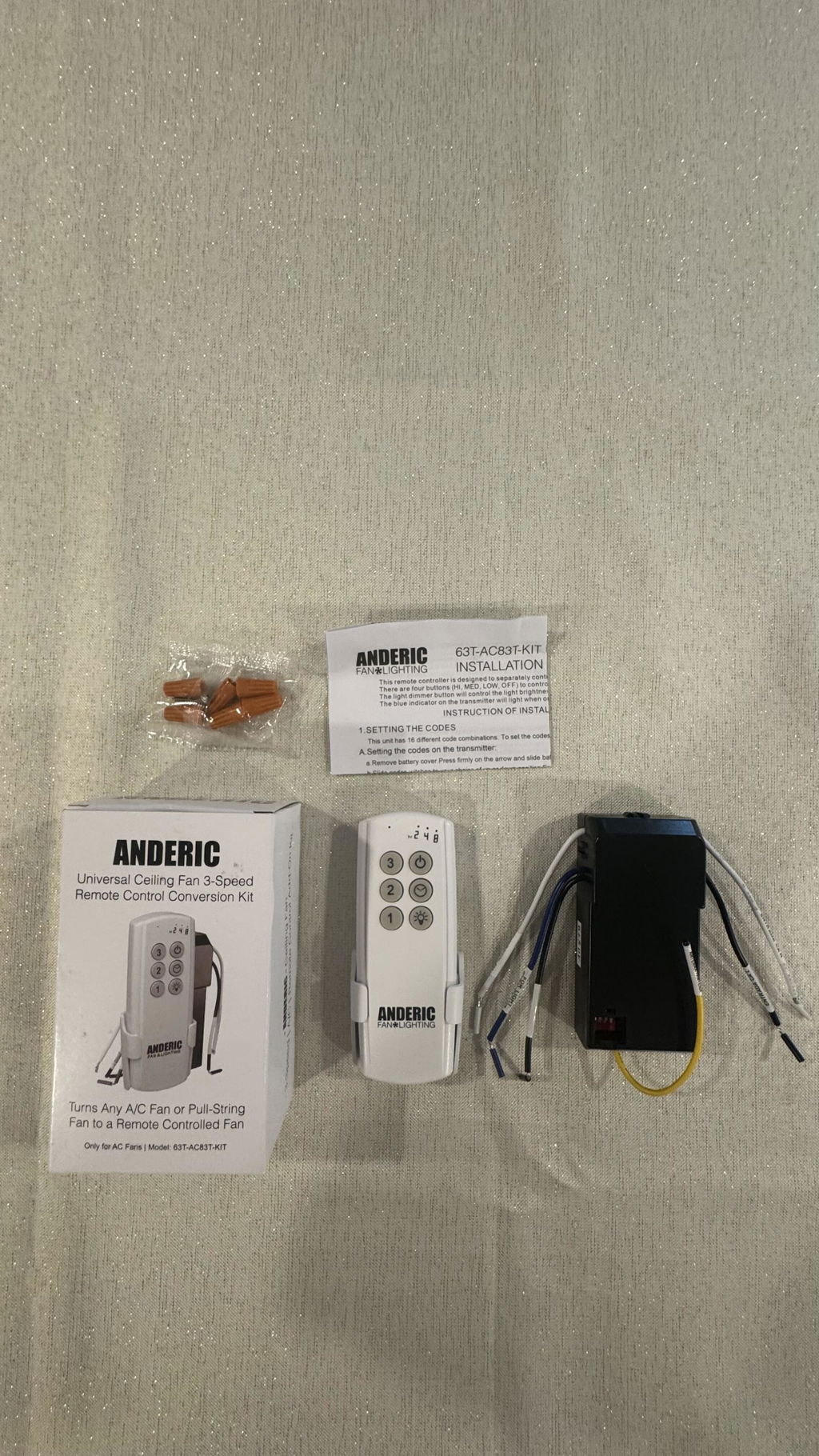
- 1 remote and 1 receiver (63T-AC83T-KIT)
- Wall mount holder and 2 screws
- Wire nuts for the receiver
- Batteries not included
Compatible Models
- Casablanca 99198 / IN2TX50 / K6266-08
- Also works with: 51205 Pacer 44 in. Indoor, 51206 Pacer 44 in. Indoor, 51207 Pacer 44 in. Indoor, Avia 50683 Fresh White, Avia 59416 Brushed Nickel
- Supplied with: 52335 Margo 52 in. Indoor
Before ordering, check the model or part number printed on your old remote (usually on the back or inside the battery compartment) and compare it to this list.
Specifications
- Product help/documentation
- User Guide
- Part/Model Number
- K6266-08 / 99198 / IN2TX50
- Power Information
- 2 AAA Required, Not Included
- FCC ID (if applicable)
- IN2TX50
- Frequency (if applicable)
- 314.92 MHz
- Supplied with models (if applicable)
See all compatible models (9)
- 99198
- IN2TX50
- K6266-08
- 51205
- 51206
- 51207
- 50683
- 59416
- 52335
This is the second 63T-AC83T-KIT Add-on Remote Control Kit for LED 3-Speed Ceiling Fans I purchased from Anderic.
The first one worked, replacing the original receiver in a ceiling fan that I installed in my home studio in 2015. I decided to purchase another to replace the same receiver in an identical ceiling fan in the waiting room, also installed in 2015. So, in the second fan, the original receiver was still working, but I replaced it anyway.
The replacement receivers were easier to install than the originals, as the size was a little smaller.
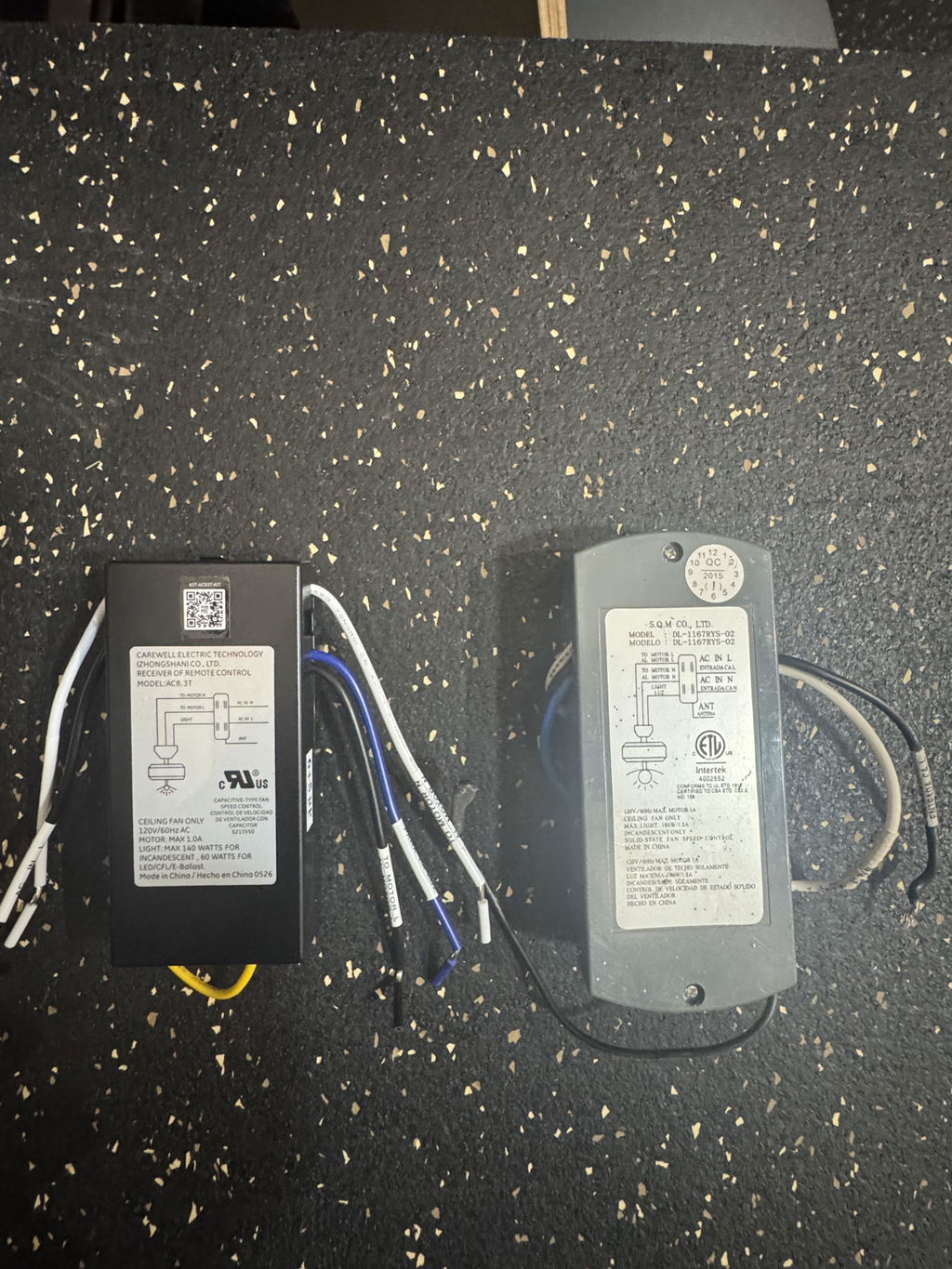
The original receiver for each fan was 120mm x 52mm.
The new receiver from Anderic is 100mm x 47mm, making it much easier to deal with the receiver and wires fitting into the space above the bracket.
I also noticed the LED light in each fan was brighter, as the dimmer control worked better, and the fan responds faster.
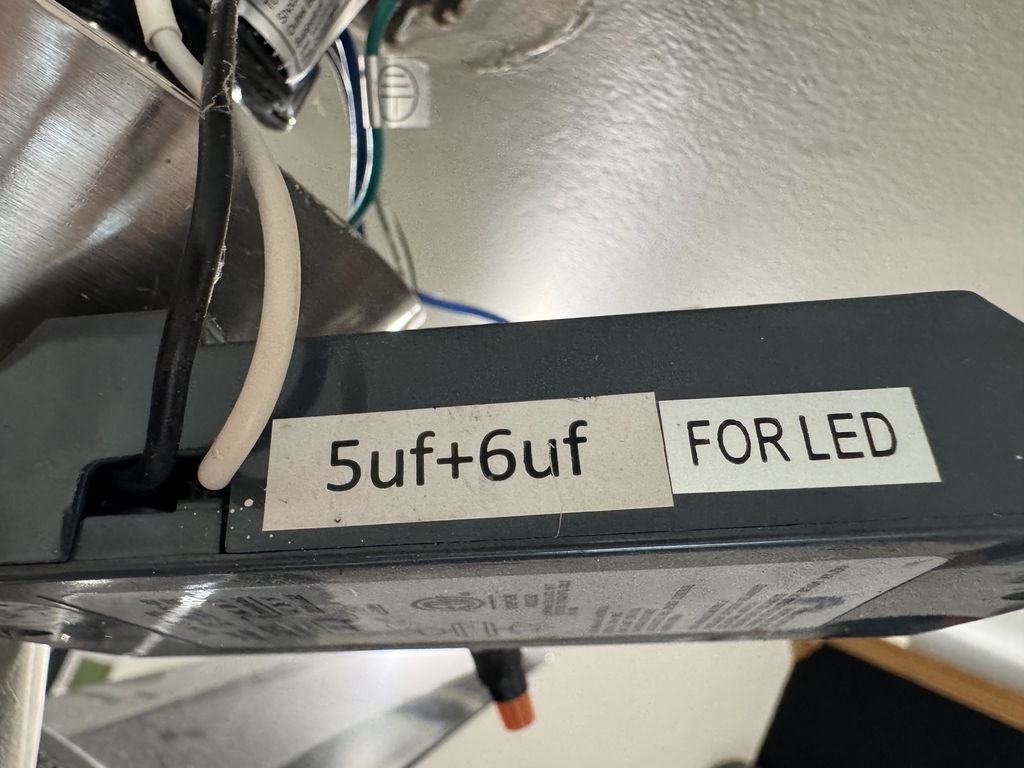
Anderic has great customer service. Before purchasing the kits from Anderic, I purchased a universal remote kit from Amazon. All of the specs matched, except there was a very important number missing from the Amazon kit, 5uf + 5uf. Fortunately, I was able to return the kit. When I called Anderic, I was able to talk to a real person right away. I gave them all the information, and they quickly found the exact product that I needed. And the cost was half the amount at Home Depot.
Exactly what I was looking for. Shipped promptly, arrived in perfect condition. Glad to check this task off my list.
Tip: Be sure to check what type of remote your existing fan has, to ensure it's the same type as this one (4-buttons); if it's not, you can buy 2 of these Anderic remotes and code them both the same way (and then retire your original remote since it will no longer be coded to the fan).
Worked perfectly! Installation was clear and the unit fit into the slot as expected.
Hi there! We're thrilled to hear the remote kit worked perfectly for you. Thanks for sharing your positive experience!
Instructions were clear cut ...it took all of 30 minutes to install (most of that was removing and replacing the ceiling fan cover)
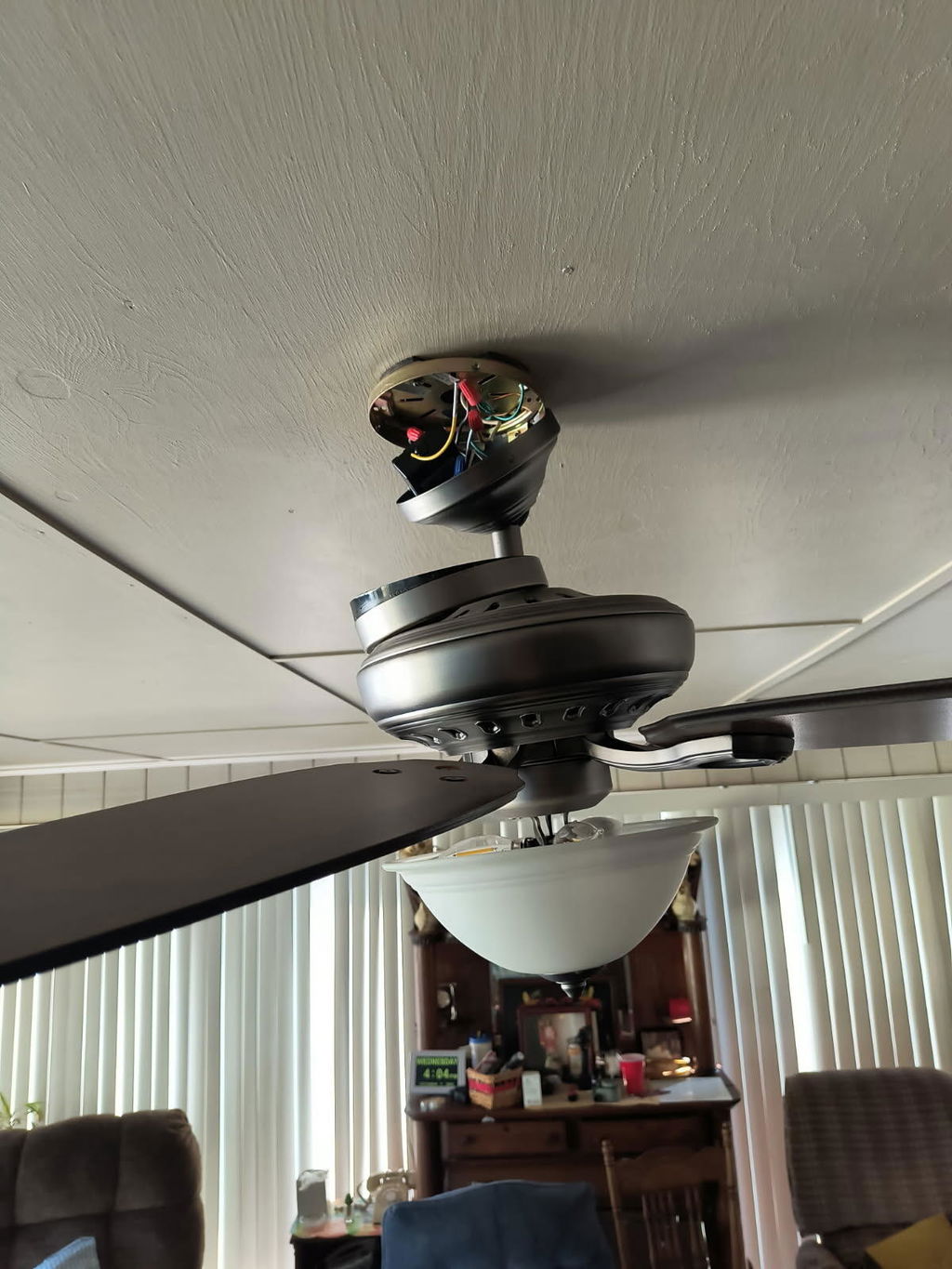
Easy to use and had everything I needed to complete the job.
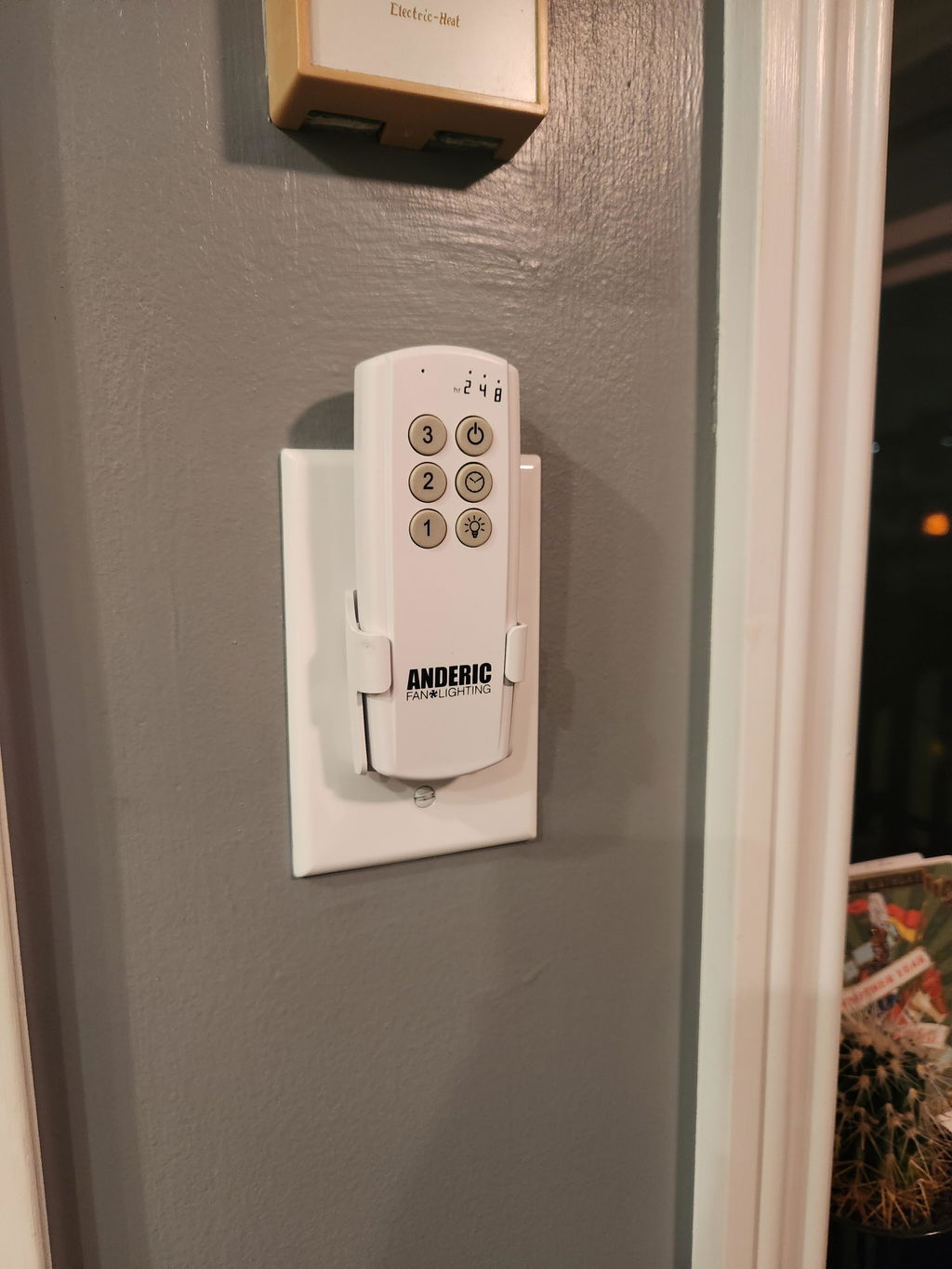
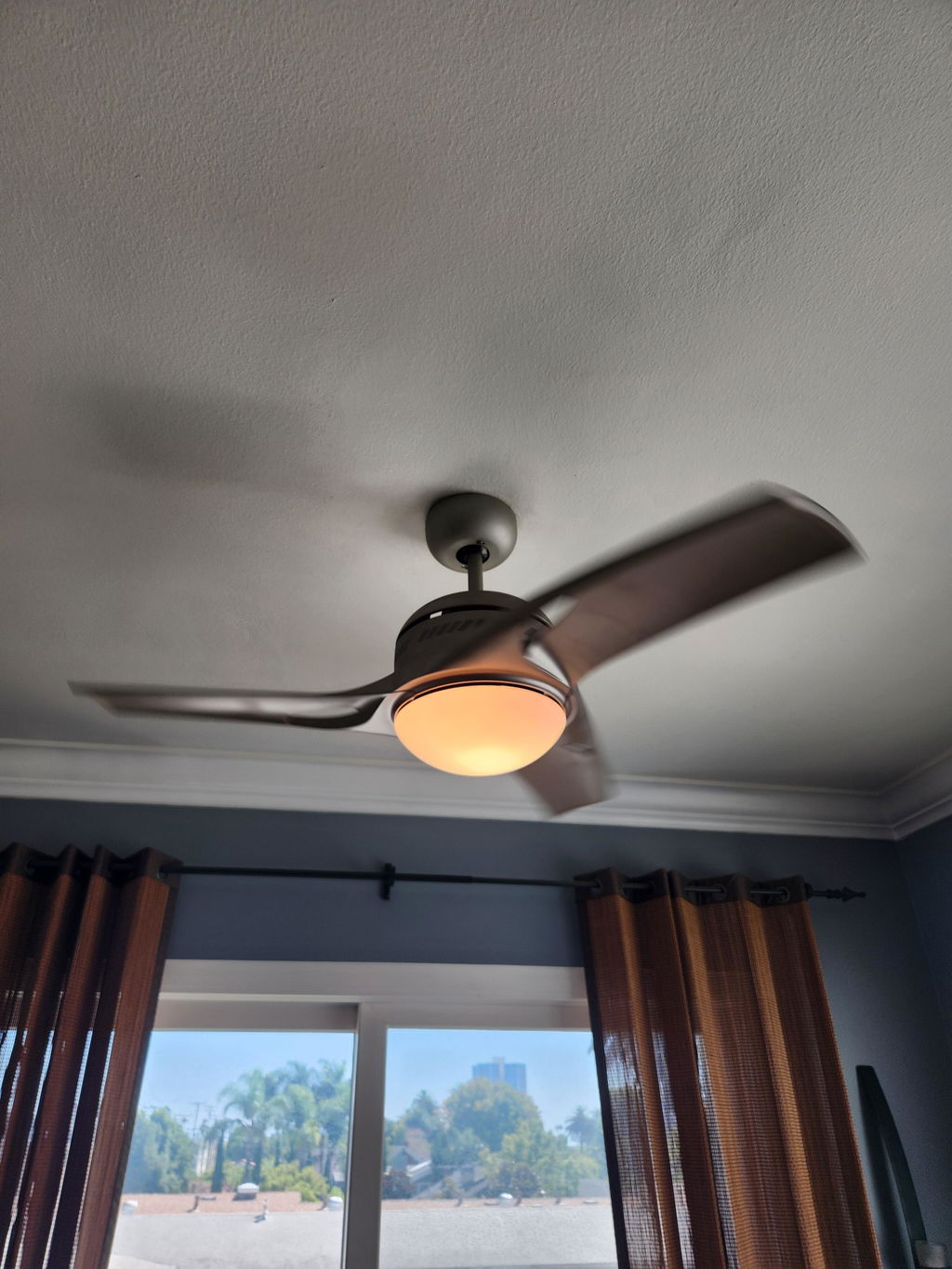
Hi Seth, we're so glad to hear you found the remote kit easy to use and complete! Thanks for your great review.
Works as advertised. I used it as a replacement for the original control which failed after only a few years of use. It saved me well over $100 compared to buying a new ceiling fan. Best of all it’s a better design than the original that came with the fan.
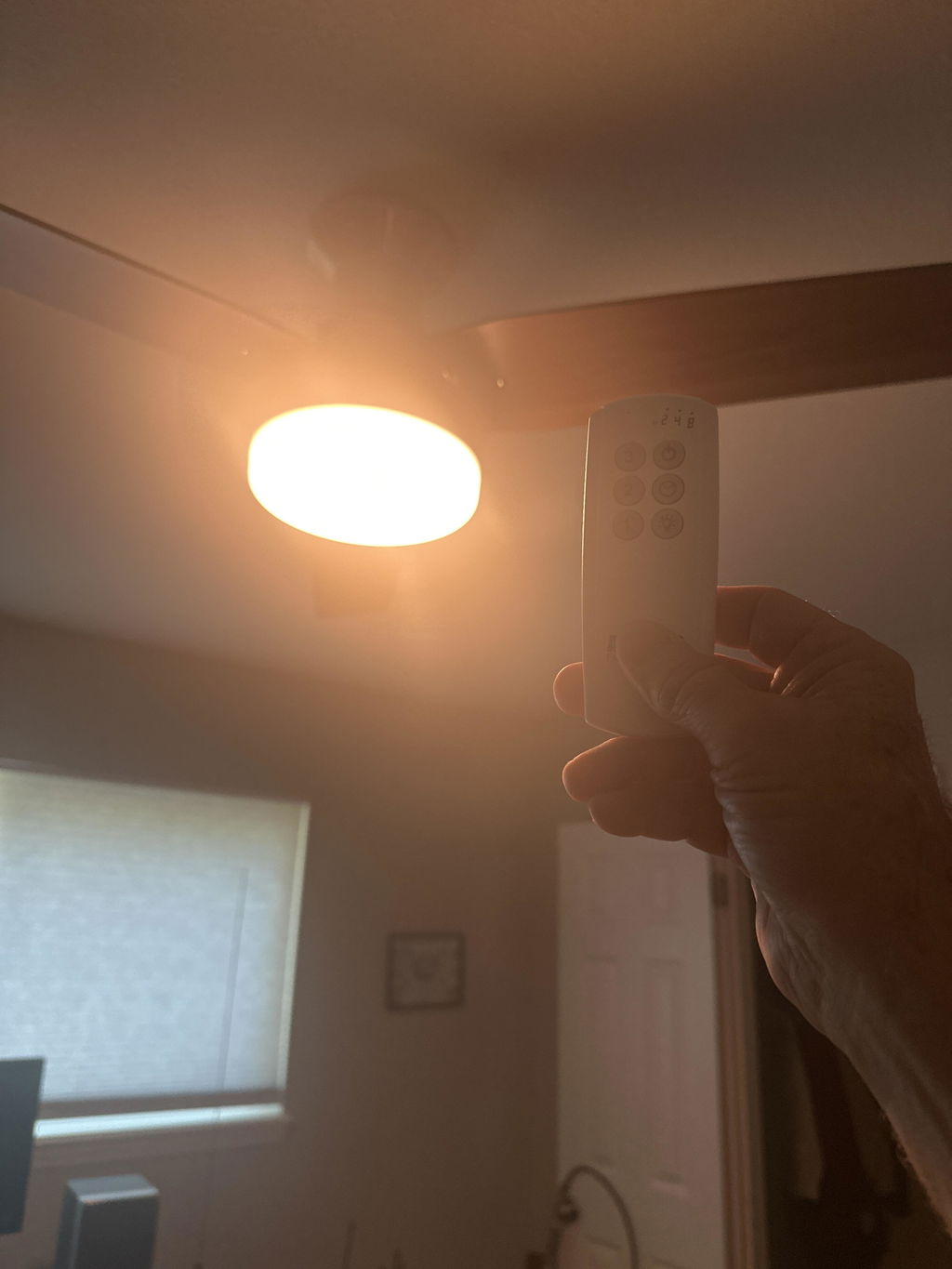
Love my new remote control. Very easy instructions and it only took 10 minutes. It was a miracle that I found your website to order what I needed. I would truly recommend this company.
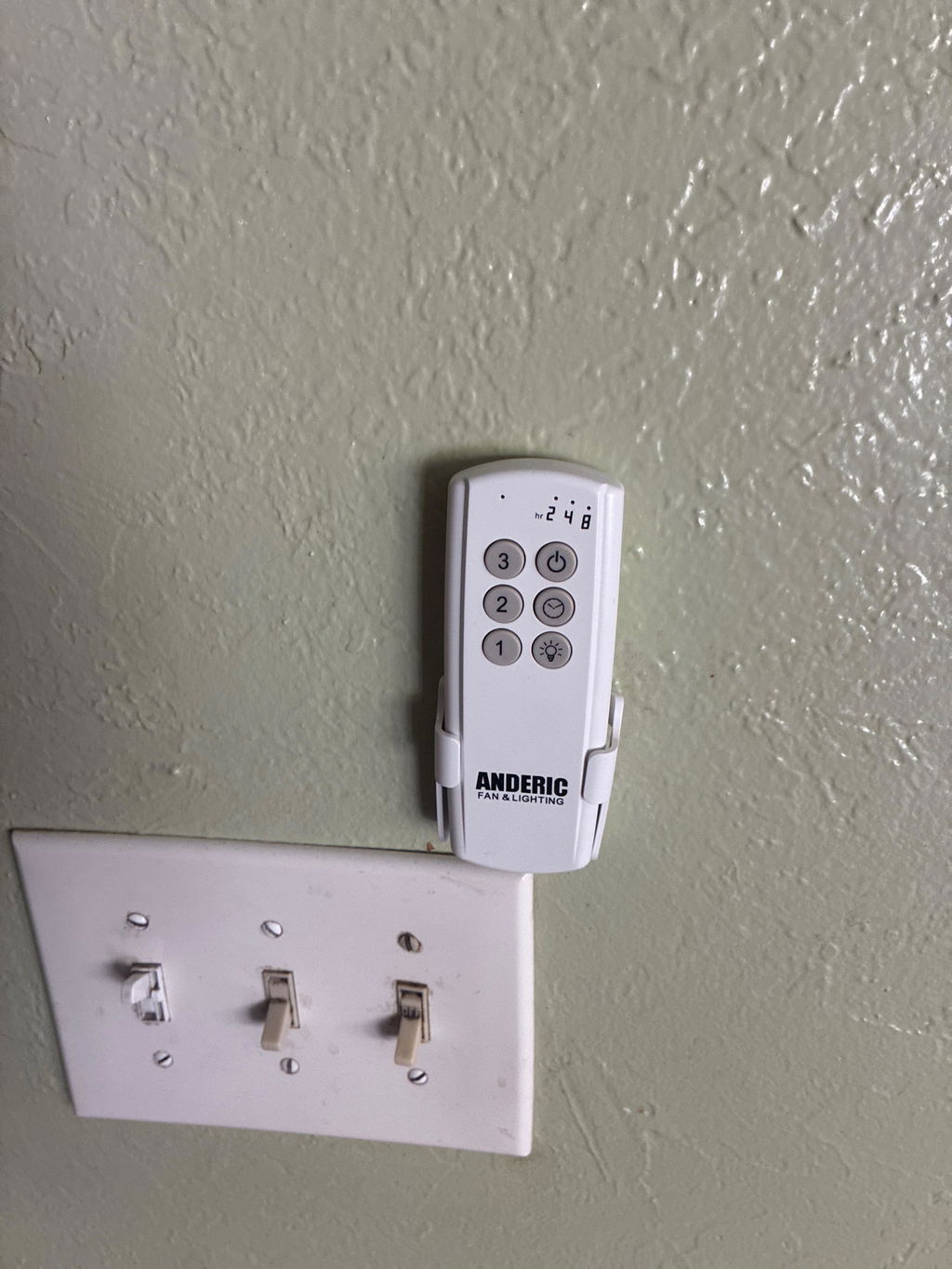
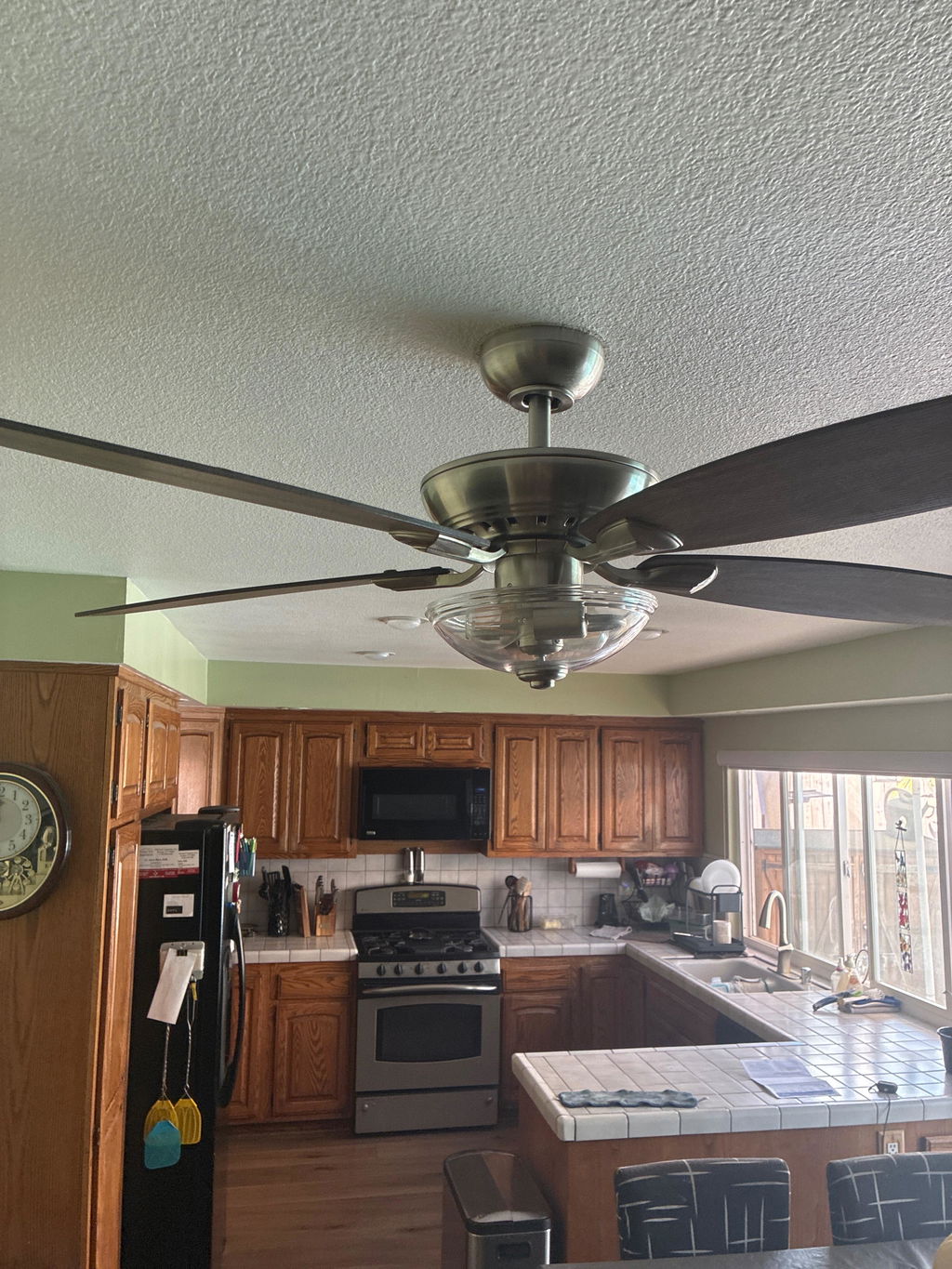
I was looking for a switch like the one I ordered to pair with one I have already, I will keep this one to convert another fan in the future
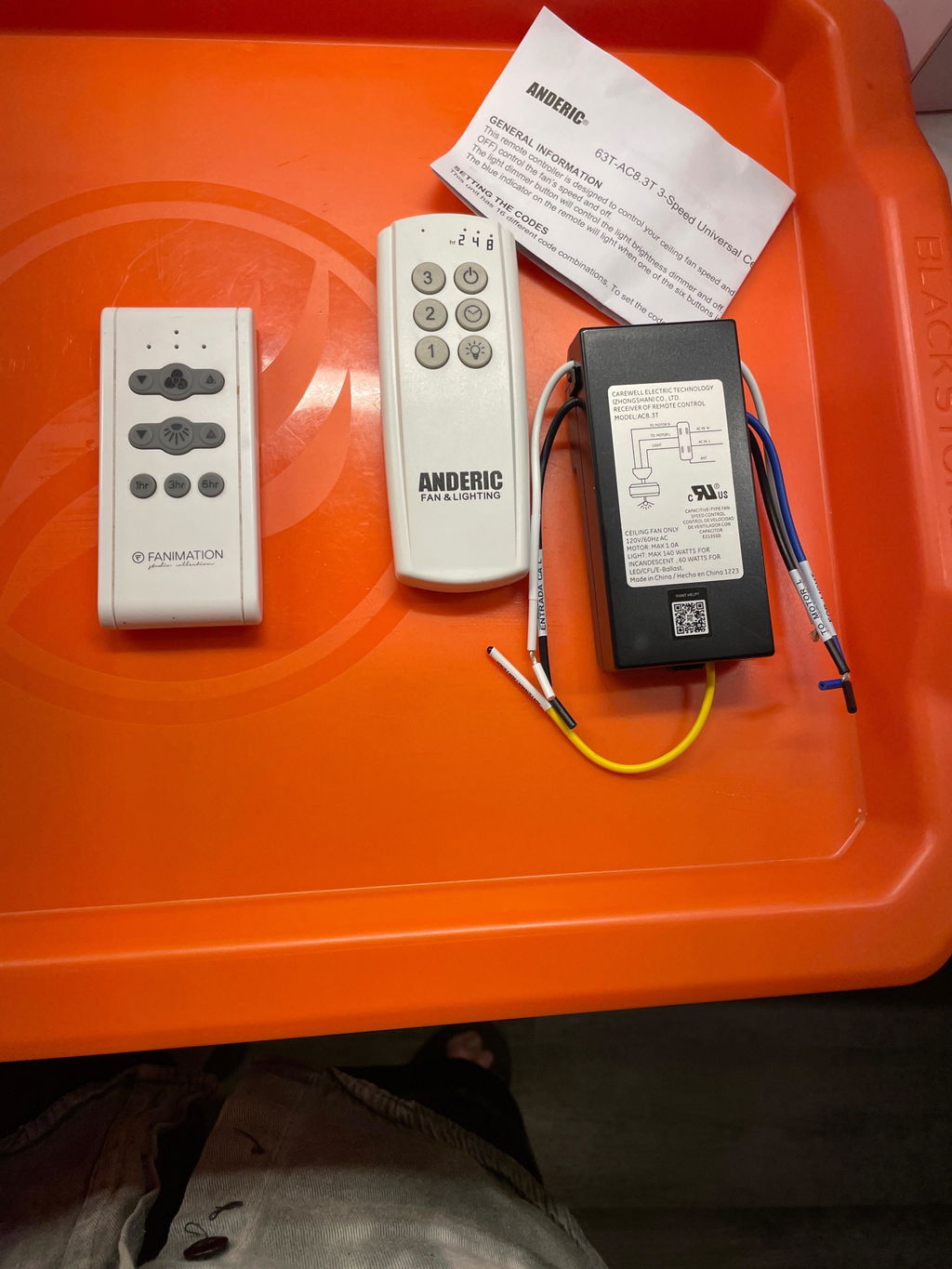
The remote was very easy to install as it came with good instructions. Having installed these in some of my other ceiling fans I only needed to glance at the pictures within the instructions. The controller that goes into the ceiling fan canopy was thin enough to make it hassle free. My remote is close enough to the fan that I didn't need to have the antennae wire sticking out of the canopy. Overall I am very pleased with the product and ease of installation.


Had to improvise a couple ways to install unit using double-sided tape. I hope it holds else unit will contact spinning motor casing cause serious problems & wires too short, severely limits where to place unit within ceiling fan housing!!

My home has several ceiling fans - and all of them have remotes except for the cheap one that I put up in my daughter's room. Well, she's moved out to a place of her own, so now it's time to upgrade. (My parents waited to add air conditioning until I moved out of the house - it was okay for my daughter to pull the chains on the fan to make it work.)The kit I received was complete and the instructions were simple. I really liked that they labeled the wires directly on the wires - so that you didn't have to remember which one was which. One nitpick - the wires were quite short and the receiver unit was pretty big. I included a picture so you could see the large base of my ceiling hugger fan - but even so, it was difficult to make the device fit in and not interfere with the spinning parts of the fan. The wires were so short, I had to add in some wire to make it long enough when the wire had to cross the receiver body. Anyway it was a tight fit.All that said, after it was installed, it worked like a dream. The fan speeds and the light all worked without any issues - and the remote was plenty strong to work from anywhere in the room. (Remember that you need 2 AAA batteries for the remote that are not included.)I use Bond to make my other ceiling fans work with Alexa (which is much more convenient than having to actually find the remote control - especially if you share the room with someone else). The great news was that the Anderic Ceiling Fan Remote Control Kit worked with Bond very easily. (In fact, Bond had a fully compatible configuration already available.)You are getting quite a lot for the price of this remote control - and I think you'll be happy (as long as you confirm that you do have space for the receiver before you order).

The short answer is Most Likely.If your fan was made in the last 15 years then it will most likely work with this device. Read on.If it has pull chains for light and speed then yes, it will work.You may have a modern fan that has no pull chains but it is controlled by a wall switch for lights and speed by pressing buttons or sliding bars you can use this but check for room under the bell housing. You need 4" in length. See the related image.If you have a fan with no pull chains but it came with a proprietary remote control then this will NOT work. Or I should say "this is not the best option" Instead try to replace the remote with the same one first as the electronic receiver is built into the fan and cannot be bypassed.I might be dating myself here but remember the three blade, all metal fans that had no pull chain. You controlled the speed from a rotary wall switch. You know the one. Where high speed was so intense it made you nervous to be under it. Well it wont work with that fan.How this item controls the speed:Capacitors. It has two caps the values are 5uf & 6ufSpeed 3 = 0uf (I BELIEVE it uses the uf value of your existing fans high speed)Speed 2 = 5+6ufSpeed 1 = 5uf OR 6uf (I asked the manufacture and they did not know) My guess is 5ufNone of this really matters to it working properly just putting this out there for any of my geek friendsNow as far as fitting the receiver under your bell housing it is best to unscrew the bell cover and check if there is room. The picture will help you understand where the receiver goes. Now there may be wires in that area but once you undo them you can, in most cases, easily re-route them.Rating this item:I prefer a receiver like this with dip switch settings. Trust when I say even though the other styles are smaller they will/may conflict with other devices. Like having 2 of the same tvs with similar remotes.This remote uses AA batteries. I prefer a 9V battery as they seem to last forever. However this remote has a tiny blue feedback LED that blinks each time you press a button.The remote transmitter is not back lit. Its understandable but still it would be useful.It comes with a cradle for the remote. That's a plus. you can mount the cradle on the wall, in-line with other switches and store the remote.Now what I think is a valuable feature is the receiver will dim just about any light bulb. Even LEDs. Not florescent.Cheers.


The media could not be loaded.
The remote controller came fast, and shall be very handy for those fans that are old fashioned and work with on off switches only, and with pull chains. I like the freedom of staying in bed and control my light and fan without sometimes getting out of bed. This remote control shall give me the same freedom that I have with my other fans that are remotely controlled. I have not installed it yet, but will soon determine if I face any challenges. My concern is if I need to remove the existing controller or should I install on top of the existing. I think it goes the way it is shown in the manual. An awesome device to turn my old styled fan into somewhat modern appliance.


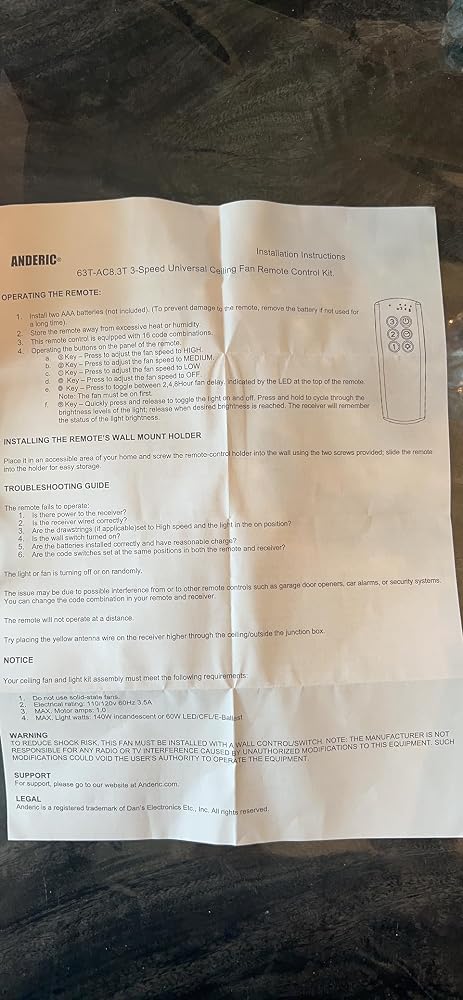

While it functions properly, I wasn't able to use it because of its size. The junction boxes here are a little smaller than usual so it doesn't fit, it looks like it would be a very tight fit in a larger size as well.I wish it had copper wiring instead of the aluminum alloy, while it still works its a very cheap wiring that doesn't work as well as traditional copper..Light / fan controls work with the remote but I have a very limited test done due to its size, I briefly wired it without installing the fan fully to test before using a different sensor.I want to give this 3 stars because of its size, but technically it could fit properly in other sizes just not myne and it shows the size upfront so I'll give it 4..Just double check that you can actually use this before buying because it is rather large


Just got it installed! And, it cost way more than the remote did! Dang! But, never the less, I'm Happy with it! And it works Great! So for, Thank you! Happy Happy! 😊
Thank you for having parts so i dont have to buy a whole new fan
Works like a charm and was an easy install
Pretty straightforward I used AI to identify the universal replacement to my current fan. Everything went to work together well
I needed a new receiver for for my ceiling fan and light. I called their customer service and gave them the specs and Anderic had exactly what I needed. It was easy to install and it works great!
The only way the remote will work is to rewire the fan.
I wanted a universal remote, not an electrical bill.