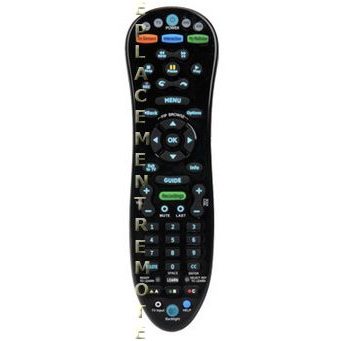
This is the AT&T A30RF1 TV Point Anywhere RF remote control for AT&T cable boxes.
Setup / Pairing
Point-anywhere RF control uses a USB converter in the FRONT USB port of the U-verse receiver. The remote and converter were paired at the factory. To re-pair or change the Home ID:
- Plug the USB converter into the front USB port (it will not work in a rear port). The blue LED should stay on.
- Press and hold the pairing key on the converter until the blue LED turns off. The converter stays in programming mode for about 2 minutes.
- Press the AT&T mode key on the remote.
- Press and hold OK and MENU for 3 seconds, until all four mode keys flash red twice and you hear two beeps.
- Enter 966, then enter a new 4-digit Home ID (0000–9999).
- The AT&T key flashes twice with two beeps, and the converter’s blue LED flashes, then stays solid, when pairing succeeds.
Programming a TV, DVD, or audio device is a separate infrared setup in the same guide (hold OK + MENU, then use brand search, auto search, a 5-digit code, or learning).
What's in the Box
- 1 AT&T A30RF1 remote
- Batteries not included