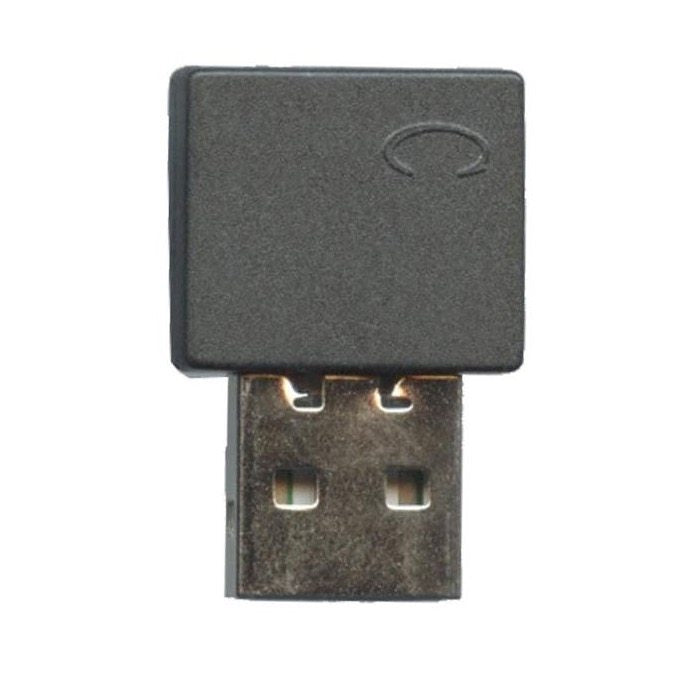
The Anderic RRMR600 Replacement USB Dongle is the RF receiver for the Anderic RRMR600 remote. Plugged into a USB port on the back of the TV, it lets the RRMR600 remote and its on-screen pointer connect to the TV.
Specifications
- Shipped dongle: Anderic RRMR600
- Radio frequency (RF)
Good to Know
- Works only with the Anderic RRMR600 remote. No remote is included.
- A new RRMR600 remote already comes with this dongle; order it to replace a lost or damaged one.
Setup / Pairing
- Turn on the TV and plug the dongle into a USB port on the back of the TV.
- On the RRMR600 remote, press and hold the WHEEL (OK) key for about 3 seconds. The indicator light turns on and stays on.
- After a few moments the indicator light blinks three times and goes off, which means pairing was successful. The pointer icon appears on the TV screen.
What's in the Box
Compatible Models
Before ordering, check the model or part number printed on your old remote (usually on the back or inside the battery compartment) and compare it to this list.