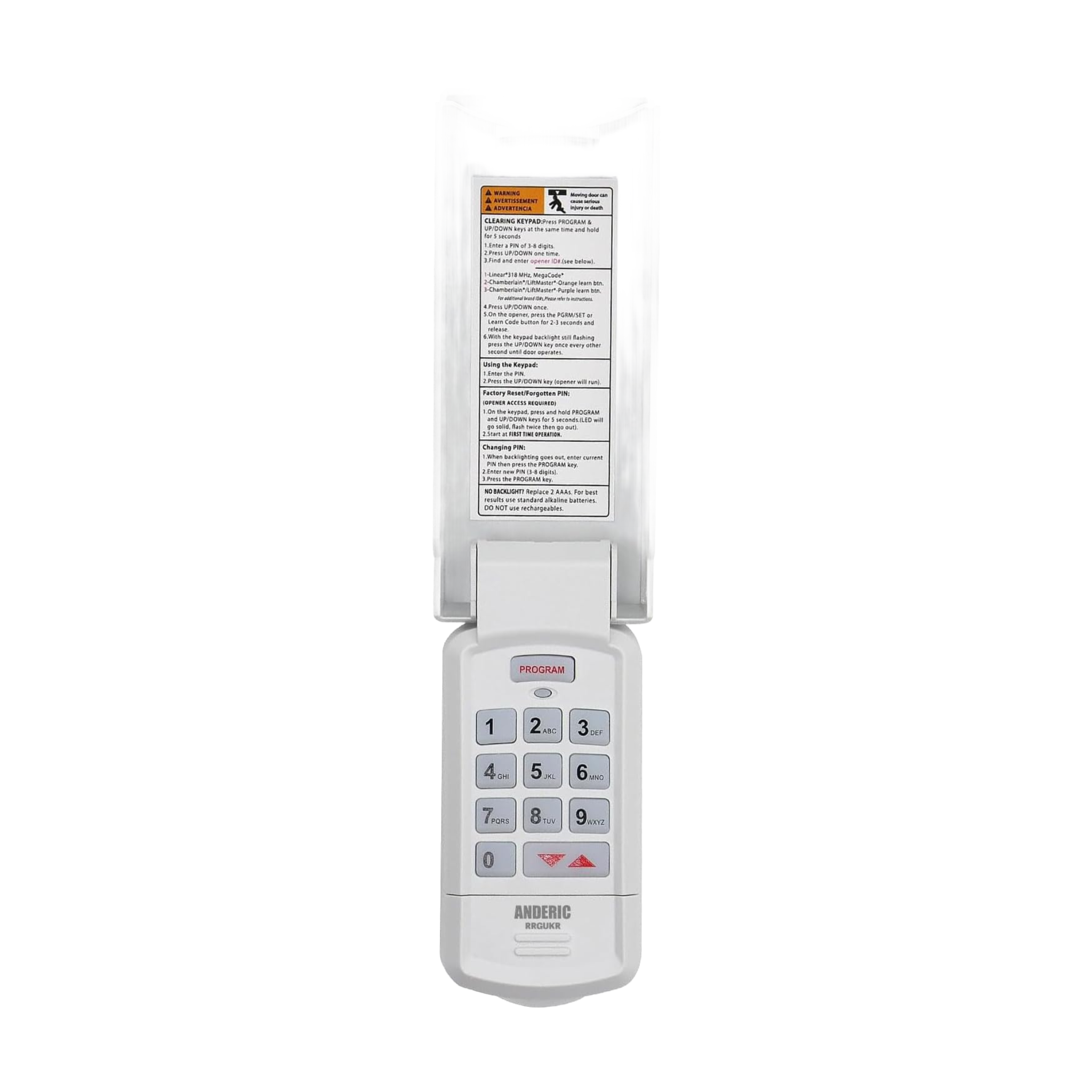
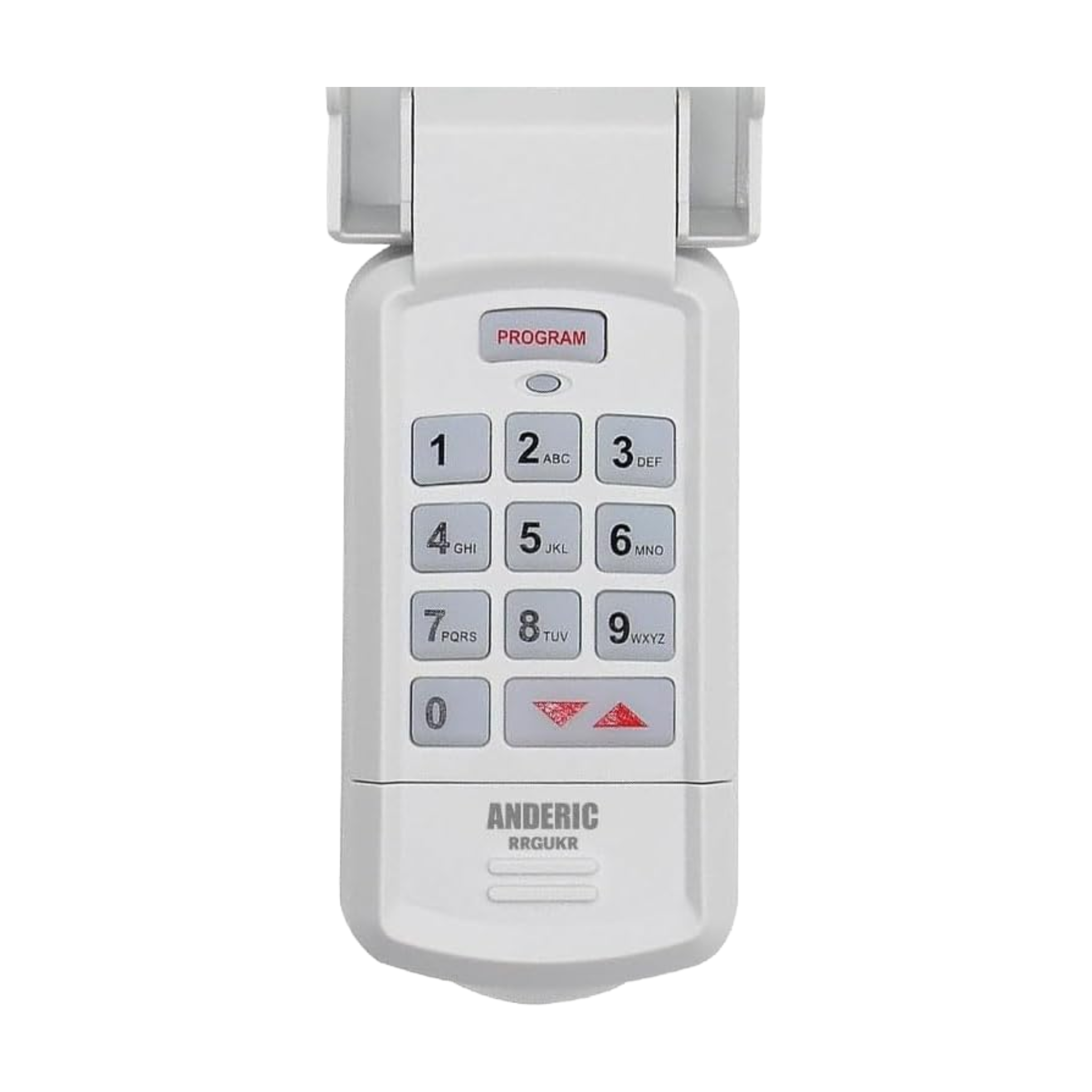
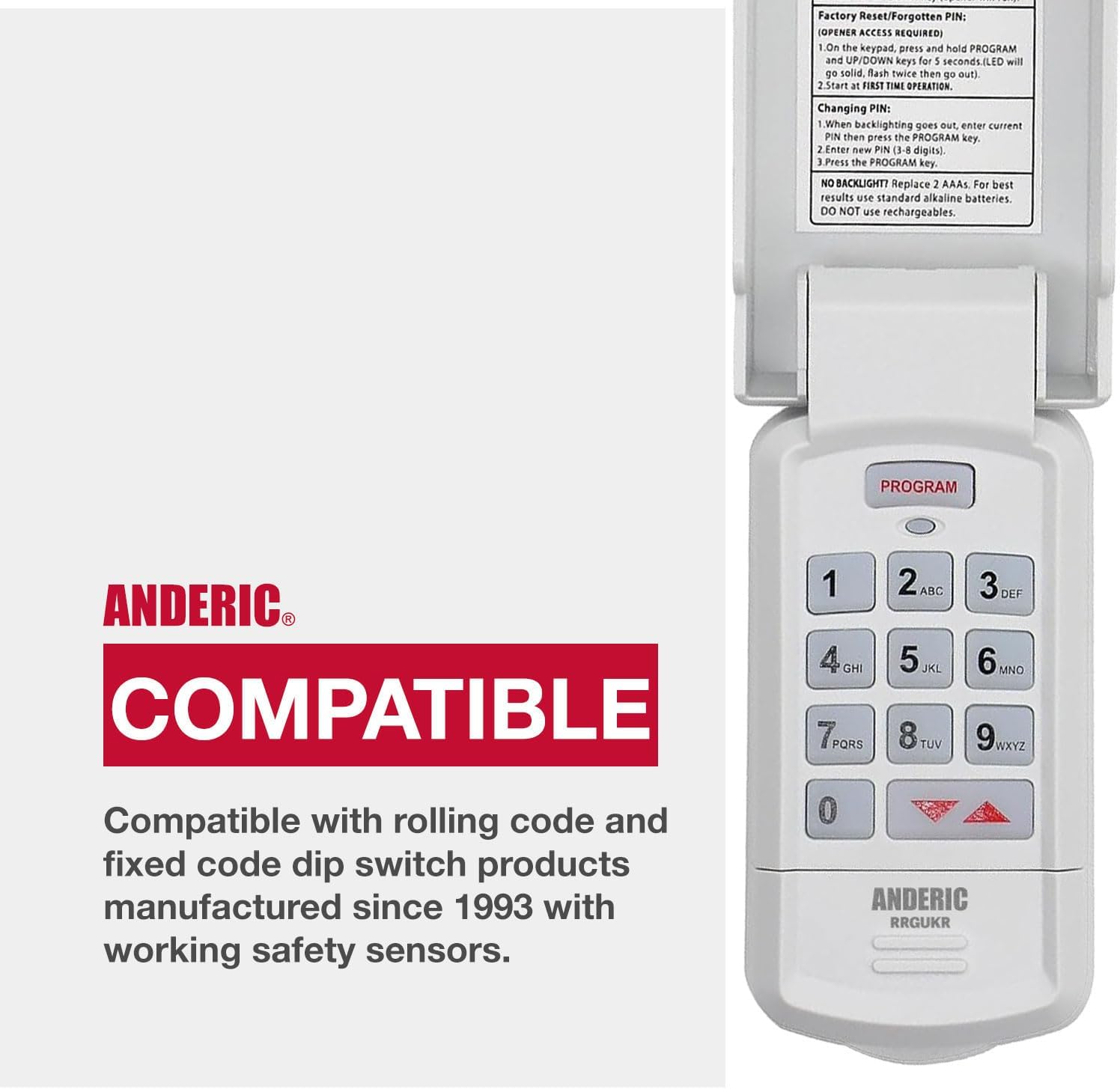
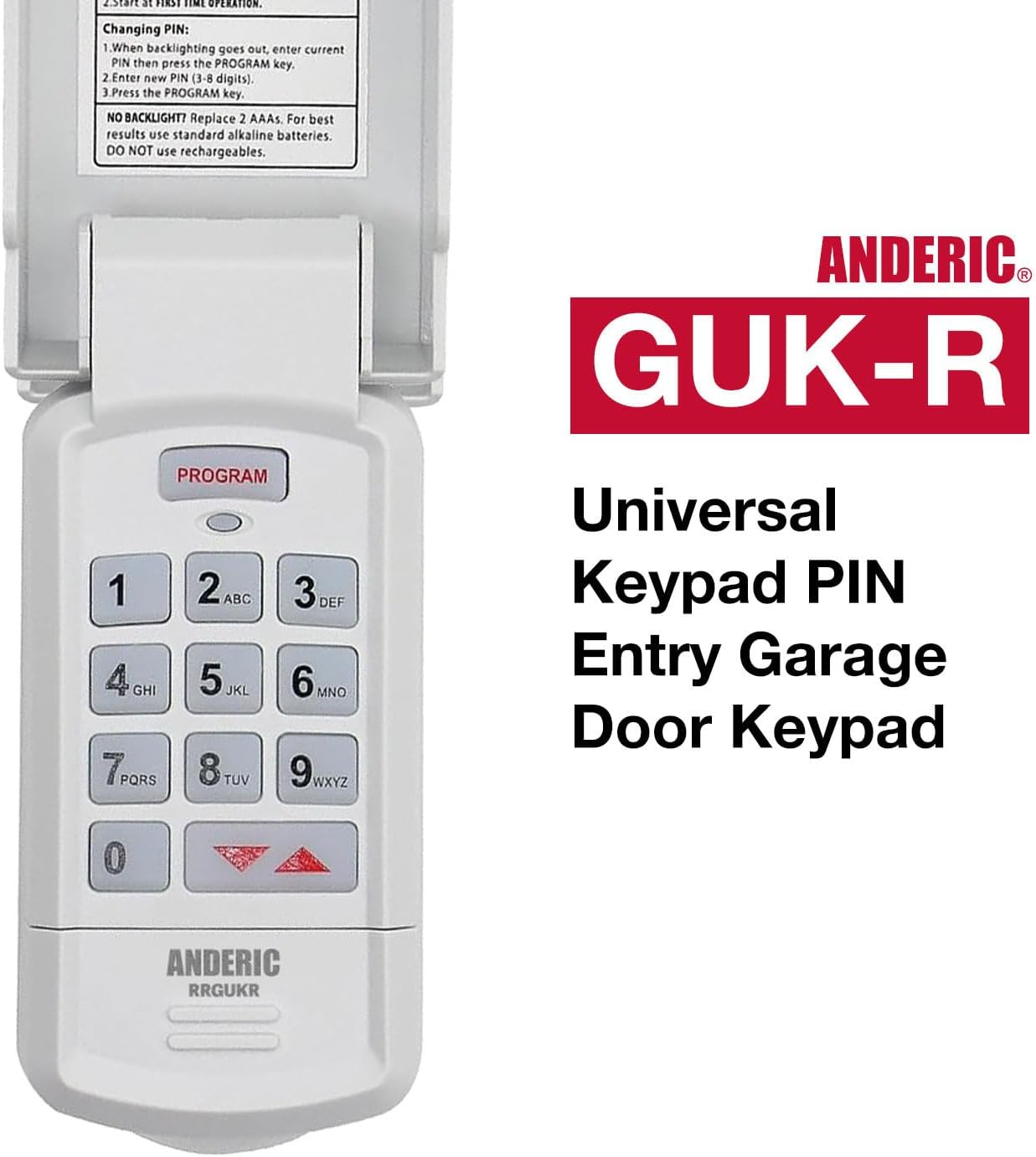
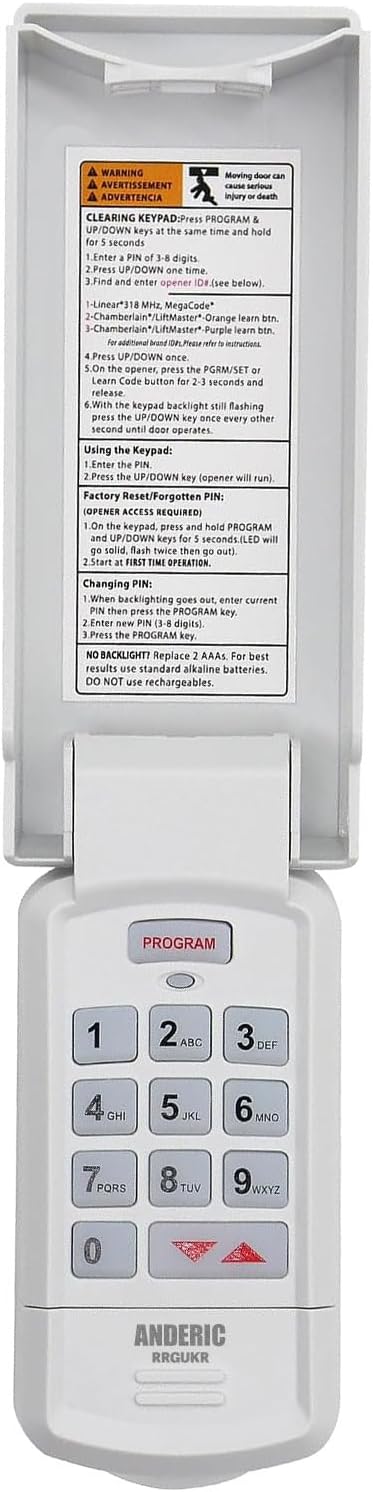
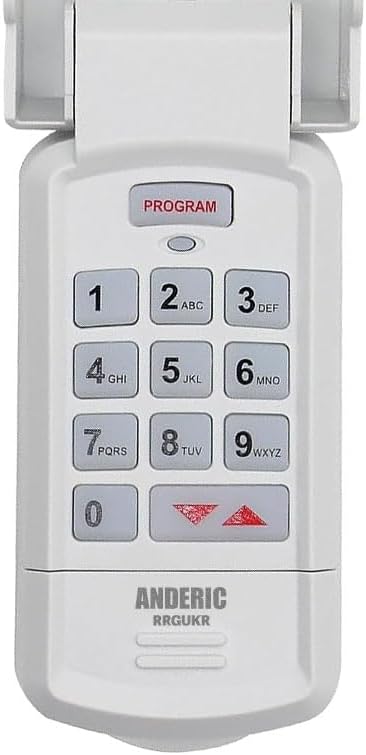
The Anderic GUK-R is a wireless universal garage door keypad that programs to LiftMaster, Chamberlain, Genie, Craftsman and other opener brands.
Specifications
- Radio frequency (RF)
- Battery: 1 9V (not included)
Good to Know
- The opener must be one of the brands and types in the opener chart. It does not use physical dip switches: dip-switch openers are entered as a converted code on the keypad.
Setup / Pairing
- Open the battery compartment, insert the battery (not included), then reinstall the compartment door.
- To clear the keypad (do this first, and any time you need to start over), press the PROGRAM and UP/DOWN keys together and hold for 5 seconds until a tone sounds, then release. The green LED flashes and goes out.
- Find your opener's ID# in Genie's opener chart (check the label or manual of your opener for its brand, Learn button and frequency): ID 1: Genie Intellicode I, 315/390 MHz, 1995 to current, or Overhead Door CodeDodger I, 315/390 MHz, 1995 to current; ID 2: Chamberlain / LiftMaster / Craftsman purple Learn button, Security+, 315 MHz, 2006 to 2014; ID 3: Chamberlain / LiftMaster / Craftsman orange or red Learn button, Security+, 390 MHz, 1996 to 2005; ID 4: Chamberlain / LiftMaster / Craftsman yellow Learn button, Security+ 2.0, 390 MHz, 2011 to current (use the separate yellow-button steps); ID 5: Chamberlain / LiftMaster / Craftsman green Learn button, Billion Code, 390 MHz, 1993 to 1995; ID 6: Genie Intellicode II, 315/390 MHz, 1995 to current, or Overhead Door CodeDodger II, 315/390 MHz, 1995 to current; ID 7: Sommer, 310 MHz, rolling code; ID 8: Linear MegaCode, 318 MHz; ID 9: Wayne Dalton rolling code, 372.5 MHz, 1999 to current; ID 10: Ryobi rolling code, 372.5 MHz; ID 11: Guardian or Xtreme, 303 MHz, fixed learn code; ID 12: Marantec, 315 MHz, fixed learn code.
- For every ID except 4: enter a personal PIN of 3 to 8 digits, press and release the UP/DOWN key (the LED flashes slowly), enter the opener ID#, press and release the UP/DOWN key (the LED flashes rapidly), press the LEARN/PROGRAM button on the opener for 2 to 3 seconds and release it, then press the UP/DOWN key on the keypad once every two seconds until the opener activates. Do not press any other button until the opener stops running.
- For ID 4 (yellow Learn button): enter a personal PIN, press and release UP/DOWN, enter 4, press and release UP/DOWN, press and hold UP/DOWN until a tone sounds (about 5 seconds), press the yellow LEARN/PROGRAM button on the opener for 2 to 3 seconds, press UP/DOWN one time (the opener clicks), press the opener button again for 2 to 3 seconds, press UP/DOWN one time (the opener clicks), then press UP/DOWN one time more (the opener operates).
- Wait until the keypad backlight is out before any further keypad entries. Programming is complete. The keypad can be programmed to up to 3 openers (press the PROGRAM key 2 times for a second opener or 3 times for a third, then continue from the ID# step).
- Code-switch (dip) openers are entered as a converted code with Genie's separate dip-switch instructions (www.geniecompany.com/dipswitchesGUK) in place of the ID# steps above.
- Keep the garage door clear of people and objects while programming and testing.
What's in the Box
- 1 Anderic GUK-R remote
- Battery not included
Compatible Models
- Genie, Overhead Door, LiftMaster, Chamberlain, Craftsman, Sommer, Linear, Wayne Dalton, Ryobi, Guardian and Marantec openers listed in the opener chart
- Also works with: LiftMaster 976LM / 96LM / 976LMC
Before ordering, check the model or part number printed on your old remote (usually on the back or inside the battery compartment) and compare it to this list.