

Anderic 3-Speed Ceiling Fan Kit for Hampton Bay 60 in. Miramar II - UC7083T, UC7067FMRX


Anderic 3-Speed Ceiling Fan Kit for Hampton Bay 60 in. Miramar II - UC7083T, UC7067FMRX
Key Features
- This Anderic 3-speed ceiling fan kit is used with the Hampton Bay 60 in. Miramar II and many other 3-speed AC ceiling fans.
- Includes a handheld remote, receiver, wall mount, wire nuts, and screws. Remote.
- Turn power off before wiring the receiver. Pair by matching the 4 dip switches on the remote and the receiver.
- The remote or receiver label may read RR7083T, RR7083TUDL, UC7067FMRX, or FAN28R. Compare the photos and labels. Dimming works best with incandescent bulbs.
- Includes remote, receiver, wall mount, wire nuts, and screws. Takes 1 A23 battery, not included.
Don't forget these
This Anderic 3-speed ceiling fan kit is used with the Hampton Bay 60 in. Miramar II and with many other 3-speed AC ceiling fans. The kit includes a handheld remote, a receiver, a wall mount, wire nuts, and screws.
Specifications
- Remote: UC7083T / RR7083T family (the remote you receive may be labeled RR7083T or RR7083TUDL)
- Receiver: UC7067FMRX or FAN28R (compare the label on the receiver you receive)
- Wireless: Radio Frequency, 304 MHz (FCC ID CHQ7083T on the remote)
- Batteries: 1 A23 / 23A (not included)
- Fan control: 3 speeds plus off; light on/off and dimming
Good to Know
- Turn off power at the breaker or fuse box before installing the receiver. Household electrical power can cause serious injury or death. A qualified electrician is recommended.
- The remote, receiver, or photos may differ slightly from the parts you receive. Function and connection type will match this kit.
- Dimming works best with incandescent bulbs. It may not dim CFL or some LED bulbs.
- Pairing is done by matching the 4 dip switches on the remote and the receiver.
Setup / Pairing
Install the receiver (power must be off):
- Disconnect power to the fan at the fuse or circuit breaker.
- Remove the ceiling fan canopy and disconnect the existing wiring. If you are replacing a receiver, disconnect all of its wires.
- Place the receiver in the mounting bracket with the antenna laid on top of the receiver.
- Connect the wires with the included wire nuts: green fan wire to the bare supply ground; black receiver AC IN L to the black supply wire; white receiver AC IN N to the white supply wire; white receiver TO MOTOR N to the white fan wire; black receiver TO MOTOR L to the black fan wire; blue receiver FOR LIGHT to the blue light wire.
- Push the wires into the junction box, reinstall the canopy, and restore power.
Pair the remote to the receiver:
- Slide the battery cover off the remote and insert 1 A23 / 23A battery (not included), matching the polarity marks.
- Set the 4 dip switches in the remote battery compartment to a pattern (the factory default is often all switches up; a different pattern is recommended). Use a small screwdriver or pen tip if needed.
- Set the dip switches on the receiver to the same pattern as the remote, then replace the battery cover.
- If you cannot reach the receiver, try dip-switch patterns on the remote one at a time and press a button after each pattern until the fan responds.
What's in the Box
- 1 handheld ceiling fan remote
- 1 ceiling fan receiver
- 1 wall mount
- 5 wire nuts
- 2 screws
- Battery not included
Compatible Models
- Hampton Bay 60 in. Miramar II (AL60-OBB)
- Many 3-speed AC ceiling fans that can use a UC7067FMRX or FAN28R-style receiver.
Before ordering, compare the photos and the model or part number on your current remote or device. If you are not sure, contact us with your model or a photo of the original.
Specifications
- Product help/documentation
- User Guide
- Power Information
- 1 A23 Required, Not Included
See all compatible models (1)
- Hampton Bay 60 in. Miramar II - AL60-OBB - 167 388
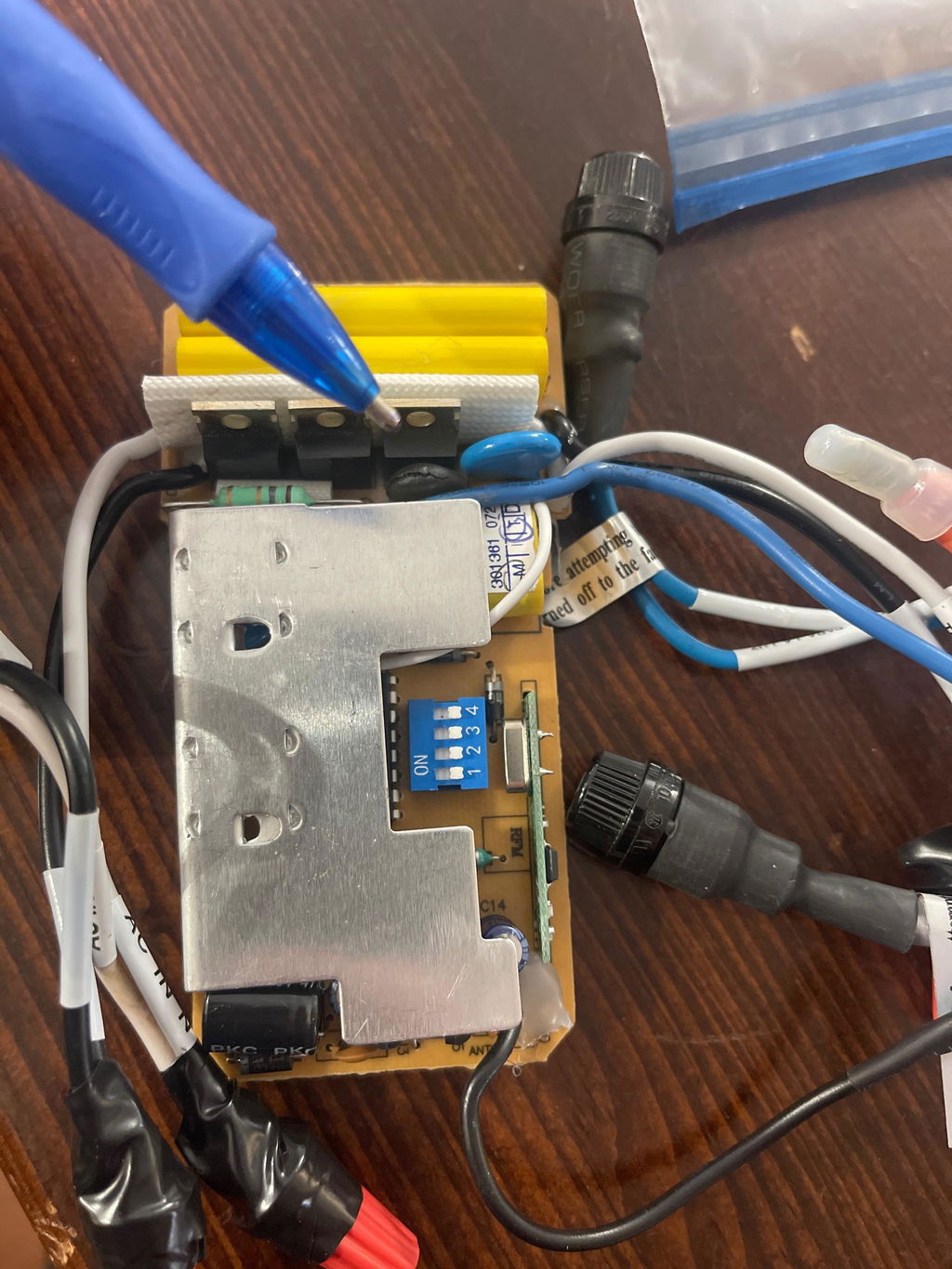
Part on the board started smoking shortly after hooking back up. Tried sending an email to the help email provided and continually bounced back. Took the board out of the casing and compared to the original board; this board is incredibly cheap. Soldering looks like a blind person did it, hot glue slathered all over to hold parts in place when the original didn’t need any, and some parts were concerningly loose.
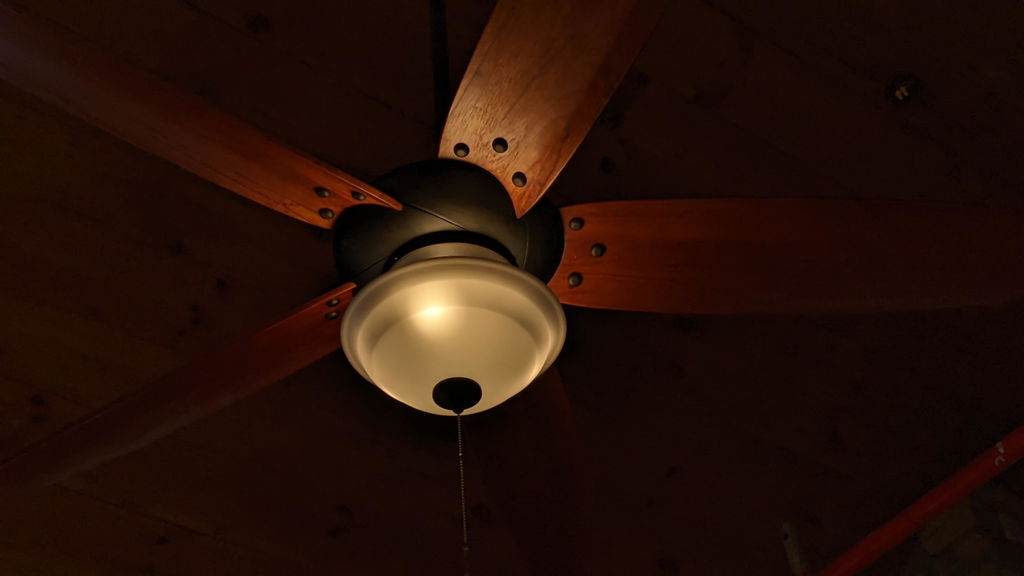
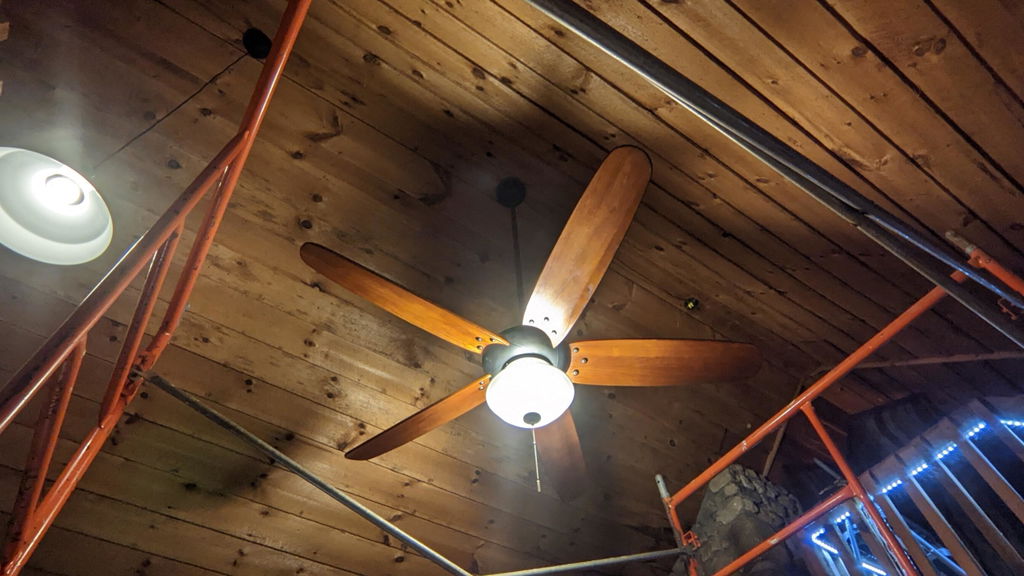
I just purchased this Anderic fan receiver through Amazon, along with the same-frequency remote. Despite me being on scaffolding to reach the fan in my great room 16' up, it swapped out quickly and easily! The DIP switches in each were already matched. Although I had also ordered Anderic's reversing module, it wasn't needed as mine worked fine after the new receiver installation. Please note that if you have LED bulbs in the light fixture which are certified DIMMABLE, that they WILL DIM with no flicker & no issues at all with this new receiver!! Here's to another 15 years of beautiful Altura fan use!! Thank you Anderic!!
deloivery was fast
Good price for the exact replacementproduct .
Great delivery time.
Thank you for taking the time to leave a review! We’re glad to hear you found the exact replacement you needed at a great price and that it arrived quickly. We appreciate you choosing Anderic!
Light and fan working for the first time in years.
Very good service and product.
I searched all over for a wireless remote that would work with my NuTone PFMB-52V ceiling fan/lights. Nutone discontinued their remote and others were not listed as compatible.
I called Dan’s Electric and they recommended the Anderic RR7079T. I was skeptical but tried it.
To my surprise they work great and the best feature is you can change a 4 slot dip switch to have a unique ID if you have more than one wireless remote/transmitter within range. I have 3 fans in three adjacent rooms. All units work great and independent of each other.
Easy to install and now my fan and light work remotely again
I had an 20 year old Hampton Bay ceiling fan that was unresponsive to the remote. Customer service helped me find the right model number, with some joint effort, and in a very few days later I had my new receiver.
Installation was a breeze, and it worked flawlessly, on power up. This approach was way cheaper than buying a new fan.
Thank you, Anderic!!
I described what I was that i was trying to fix and the technical support was incredible and easy to execute. Thank you very much.
My fan/light transmitter and remote function properly and installation was very easy. Representative was knowledgeable and courteous.
Unit replaced the old one very easy. Much less expensive than replacing fan unit.
Excellent quality and perfect fit. They're easy to install
worked just like they said it would.
This customer rated this item 5 out of 5 stars (left no comment).
Received promptly with easy to understand directions. Works great!
This customer rated this item 5 out of 5 stars (left no comment).
Works perfect.
This customer rated this item 5 out of 5 stars (left no comment).
This product got my fan working great
Fixed my ceiling fan , works perfect and seller shipped quickly
great product for the price and very easy to install.
Remote fan receiver works as described as replacement for original Hampton Bay Southwind 52 inch ceiling fan. The only difference is that the light dimming feature on the remote now only functions as an off/on switch (no dimming) which was expected.
All is good.
Work great.
Works great easy install
This customer rated this item 5 out of 5 stars (left no comment).
These were exactly what I needed to fix three ceiling fans after a power surge took them out. Dan's was helpful in finding the correct part. Installation was a breeze. I'm not an electrician.
Dan’s Electronics mailed out my replacement part very quickly, I received within 2 days. The part worked exactly how described. Ordering and check out were very simple. Will use again! Thank you for being so speedy!
completed the job, fan with remote now works
Product worked perfectly.