

Télécommande pour ventilateur de plafond Harbor Breeze UC7082T


Télécommande pour ventilateur de plafond Harbor Breeze UC7082T
Key Features
- Fonctionne avec les ventilateurs de plafond indiqués dans la liste de compatibilité.
- Réglez la vitesse du ventilateur et l'éclairage depuis votre siège pour un confort instantané.
- Conçu pour correspondre au code de modèle UC7082T pour un ajustement facile.
- Contrôle instantané du confort pour la vitesse du ventilateur et la lumière, directement depuis votre siège.
- Un accessoire pratique qui permet d'accéder facilement à la circulation de l'air et à l'éclairage.
Don't forget these
The Anderic FAN35T is a substitute for the Harbor Breeze UC7082T remote. It is a ceiling fan remote paired by LEARN.
How to confirm the fit
Find the FCC ID on the back of your old remote or inside its battery compartment. It should match L3HFAN35T1. Match your complete original remote or receiver model against the verified compatibility list and pairing hardware. Listed FCC IDs are examples or identifiers, not a requirement that every compatible original share one FCC.
Specifications
- Shipped remote: Anderic FAN35T
- FCC ID: L3HFAN35T1
- Radio frequency (RF): 303.9 MHz
- Battery: 1 23A (not included)
Good to Know
- Needs a compatible FAN30R-type receiver
- Key names and layout may differ from the original. Compare your original's buttons before ordering.
Setup / Pairing
Battery
- Install a 23A 12-volt battery (not included). Remove the battery if the remote will not be used for a long time.
- Store the remote away from excessive heat or humidity.
- The remote has 16 code combinations. If your fan and light turn on and off without your remote, change the code combination on the remote.
Pairing with a learning receiver (FAN30R)
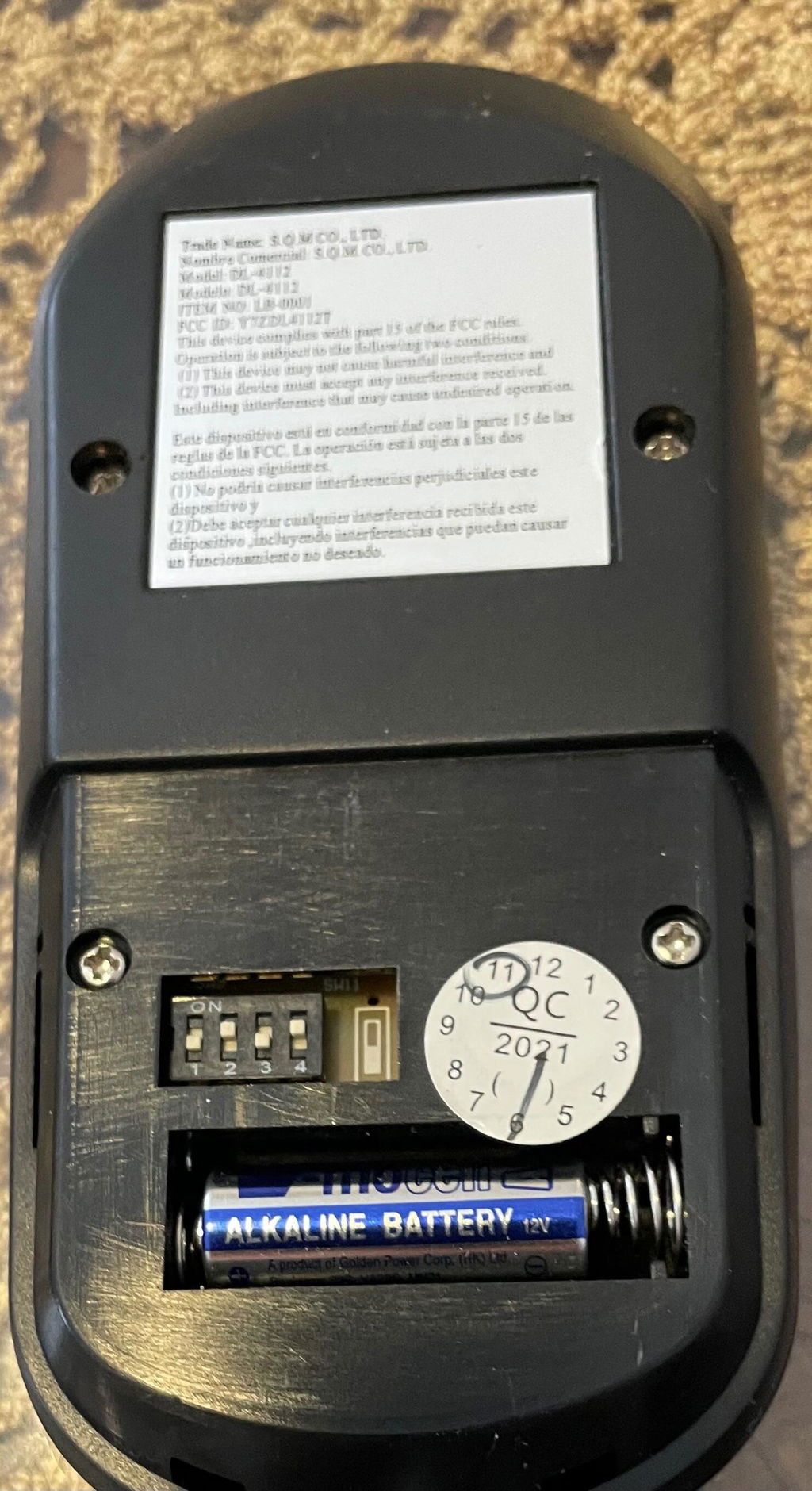
- Remove the battery cover. Slide the code switches to your choice of up or down positions (factory setting is all up).
- Turn the fan's power off.
- Return power to the fan.
- Within 30 seconds of returning power, hold the LEARN key on the remote for at least 3 seconds. The light on the front of the remote blinks twice to confirm the receiver learned the code.
- Replace the battery cover.
If your receiver has 4 dip switches
Do not use LEARN. Set the remote's dip switches to match the receiver instead:
Pairing by matching the dip switches (4-switch, 16 codes)
- Make sure the fan has power and works correctly.
- Push firmly below the arrow and slide the battery cover off the remote.
- Set the remote's 4 dip switches to EXACTLY the same up/down pattern as the switches on the fan's receiver. Use a small screwdriver or the tip of a ballpoint pen. The factory default is all switches up.
- Replace the battery cover and test the remote.
Pairing without reaching the receiver
- Set the remote's dip switches to the first code pattern in the code chart (included with the remote).
- Press any button to test whether the fan responds.
- If it does not, move to the next dip switch pattern and test again. Repeat until the fan responds; there are 16 patterns.
What's in the Box
- 1 Anderic FAN35T remote
- Battery not included
Compatible Models
- Harbor Breeze UC7082T
Before ordering, check the model or part number printed on your old remote (usually on the back or inside the battery compartment) and compare it to this list.
Specifications
- Product help/documentation
- User Guide
- Part/Model Number
- UC7082T / UC7082T
- Power Information
- 1 A23 Required, Not Included
- FCC ID (if applicable)
- L3HFAN35T1
- Frequency (if applicable)
- 303.9 MHz
See all compatible models (1)
- UC7082T
Works well, but the instructions leave a lot to be desired: (a) They should mention that the factory sets the receiver on OFF initially, and (b) They should mention that the Anderic remote control needs an A23 battery.
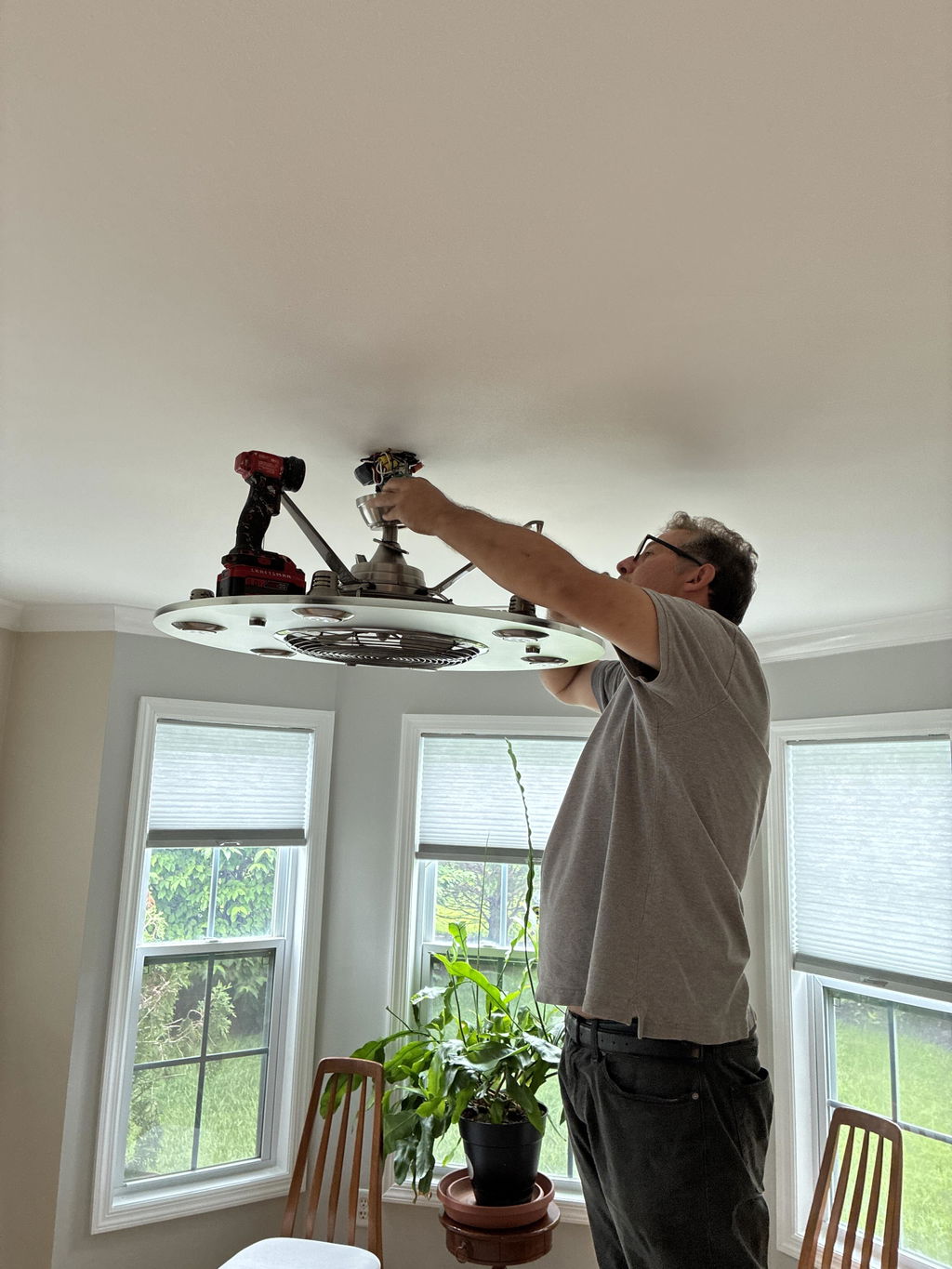
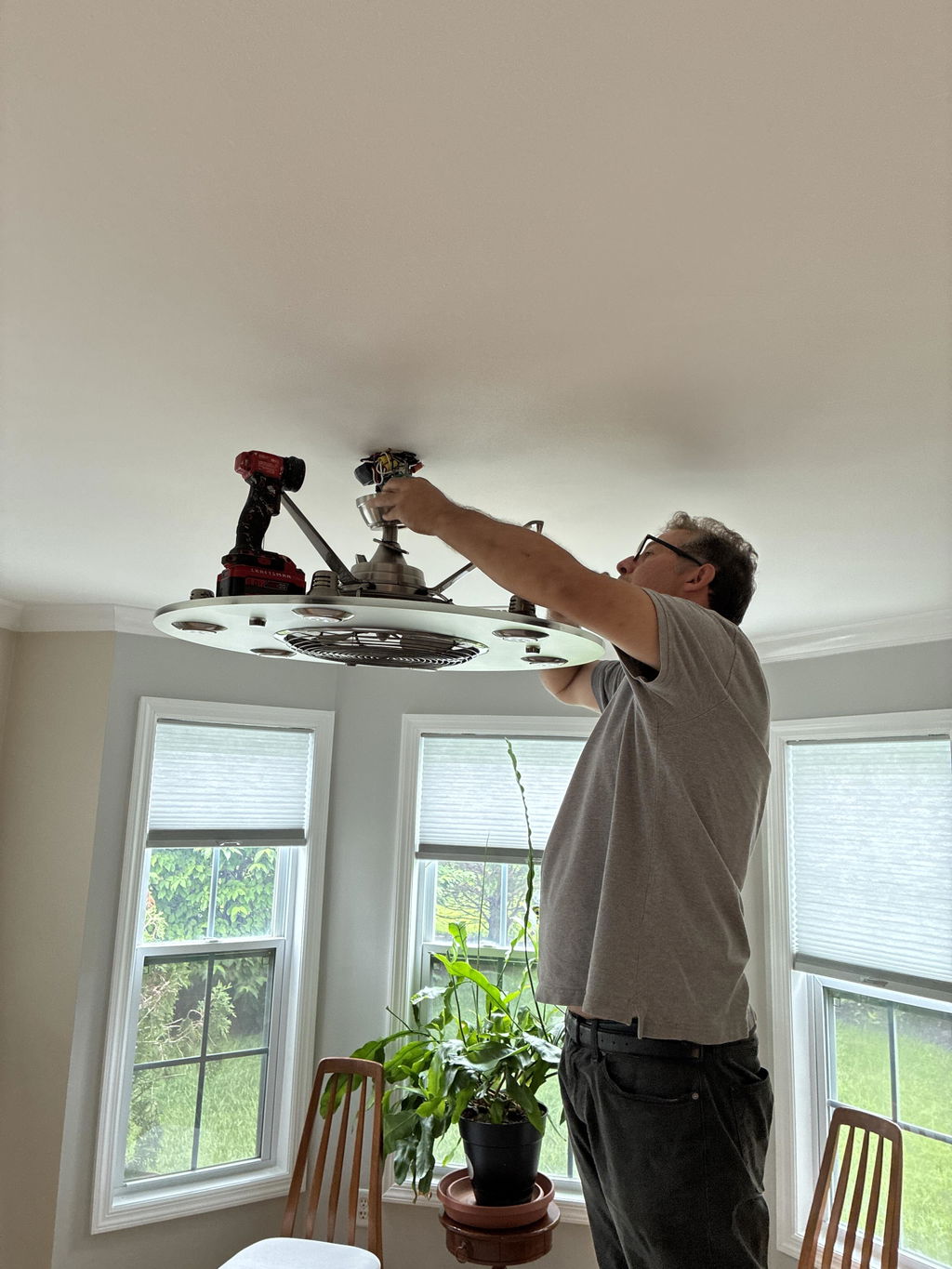
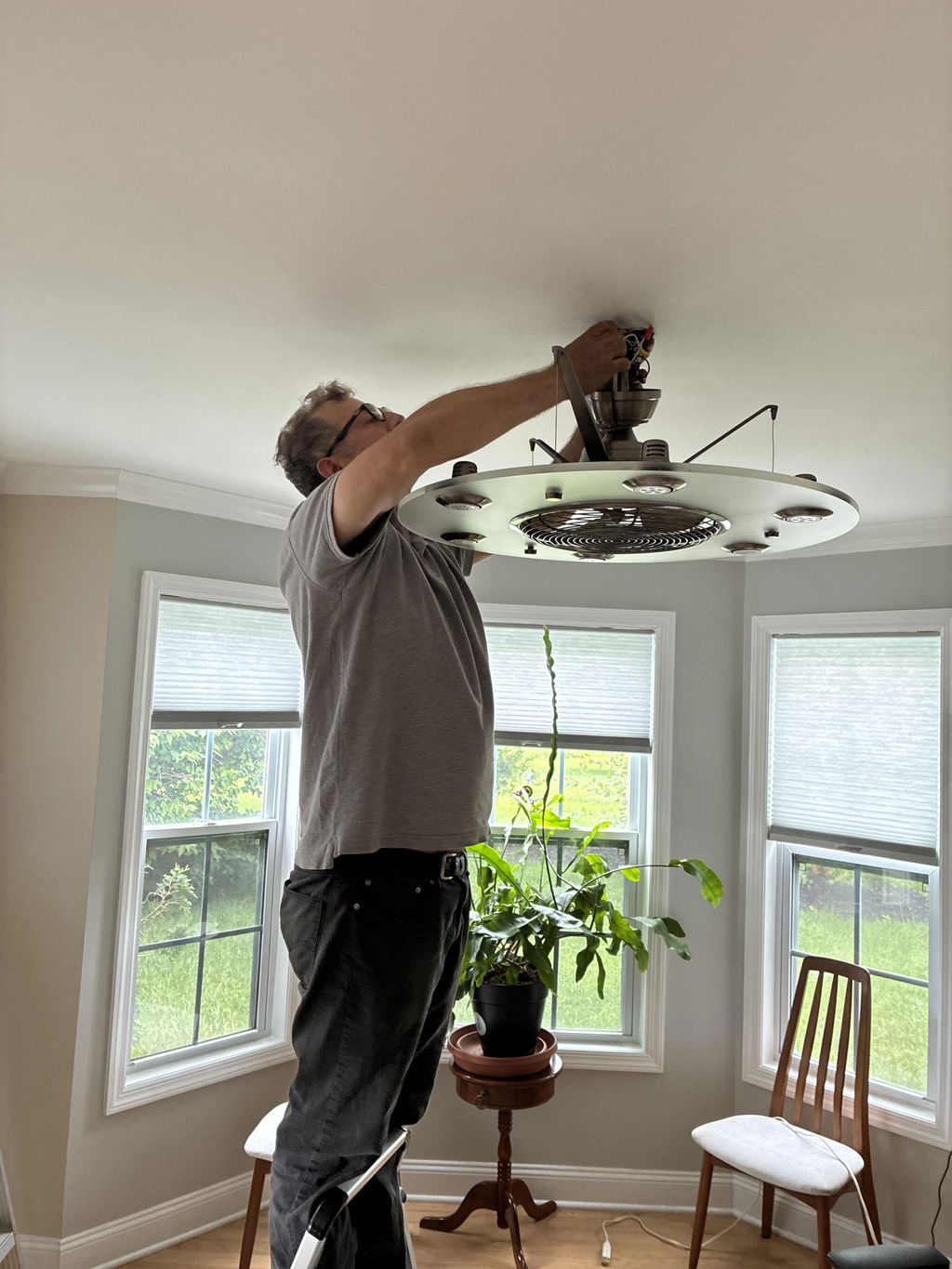
Does not control fan or light with known good battery and matched codes to receiver
Product was well packaged, offers assistance on installing, plugged right into place of the old unit and got my fan working. Good product, good delivery, good service.
Thank you for the great feedback! We're happy to hear the installation was easy and your fan is up and running again. We appreciate your support and are always here if you need us!
Perfect substitute for original fan remote
the remote control arrived a day early and works perfectly.
Fit and works great. Fast shipping as well
Hi there, thanks for the great review! We’re glad the receiver fit well and is working great, and that your order arrived quickly. Enjoy!
This item was out of stock and never shipped to me. Then when I asked for a return the form was subtracting shipping costs to send the item back to them…which was never received by me in the first place. Hopefully customer service will straighten it out. Don't order this product it is blonder available
The remote control for my ceiling fan was dropped onto the hardwood floor, damaging it, and it no longer operates the fan. Anderic had the replacement make and model. It was shipped and arrived very quickly. The fixture is up and running again!
Excellent, better than the original. Great range.
Thrilled you had the clicker after 11 years. Easy to understand instructions and shipment came as promised
Hi Dwayne, we're so glad to hear you're happy with your remote and that it was easy to set up! Thanks for your kind words and for choosing Anderic.
Excellent. Thank you.
Purchased 2 of the remote and receiver combo pack designed to work with our older Harbor Breeze ceiling fans. I installed one and it works as described and advertised, maybe even better than the original parts. The installation was super simple and it was faster that climbing up the ladder to get to the fan. It was an exact fit and it was as easy as remove the old not operational receiver and plug-in the new. Seems like the replacing parts has had some hardware upgrades and it worked better that original receiver. I love the fan and we had it for a long time and does the job + more. I know there are other newer options out there but none are as good and efficient. That was the main reason to fix rather than replace the fan. Thank you Aydan for taking time and answering all my questions and concerns.
Worked perfectly, great replacement.
Cost with the shipping I thought was a little high for such a simple device, but availability and delivery made up for it.
Excellent product. It synced up perfectly with our fans and everything functions great.
Thank you for your wonderful review! We're thrilled to hear the remote control works perfectly with your fans. If you need any more assistance, feel free to reach out. Enjoy your fans!
Perfect replacement
Hi Thomas, we're glad to hear the replacement remote worked perfectly for you! Thanks for sharing your experience.
Replacement parts worked great!
Product was exactly what I was expecting. Functions well
The fan remote works flawlessly but the installation instructions are incorrect (states you must connect two black receiver wires but there is only one?) and when you call for technical assistance you can’t speak to someone. You are encouraged to send an email. I finally had to ask Google AI how to install.
Light works with remote, can't get Light to turn on.
It works! I ordered the same thing from Amazon. Got it and it didnt work. I learned my lesson.
Great Ceiling Fan Replacement Remote Control!
Exactly ascdiscribed. Plugged in and like magic it works. No hassles..just works.
Quick order process and delivery
Thank you for your review! We're glad to hear everything worked right out of the box with no hassle—that’s exactly the experience we aim for. We also appreciate your feedback on the quick ordering process and delivery!
Great product, fair price, works well
Thank you for your feedback! We’re glad to hear you’re happy with the product and found it to be a great value. We appreciate you choosing Anderic!
The Anderic receiver was installed and easily paired to the transmitter. Lowe’s would have saved me some time if they stocked this replacement or referenced Anderic. I had purchased the Lowe’s unit that was recommended by their support department. This was returned for credit.
Part was exactly as described. Shipping was super fast.
Hate to return the part but the motor on the fan is bad as per tech. I could not use the part.
Exactly what I ordered and works great with my ceiling fan. Replaced my original remote which is exactly like this one. Original was recently broken. Thank you!