

Télécommande pour ventilateur de plafond Harbor Breeze TR76G 2AQZU-18005


Télécommande pour ventilateur de plafond Harbor Breeze TR76G 2AQZU-18005
Key Features
- Conçu pour fonctionner avec les ventilateurs de plafond compatibles énumérés.
- Réglez la vitesse du ventilateur et l'éclairage depuis votre siège pour un confort instantané.
- Conçu pour s'adapter aux modèles 2AQZU-18005 et TR76G, conformément aux spécifications.
- Des basculements fluides pour la vitesse et l'éclairage rendent les pièces parfaites.
- Pratique lorsque la chaînette est hors de portée.
Don't forget these
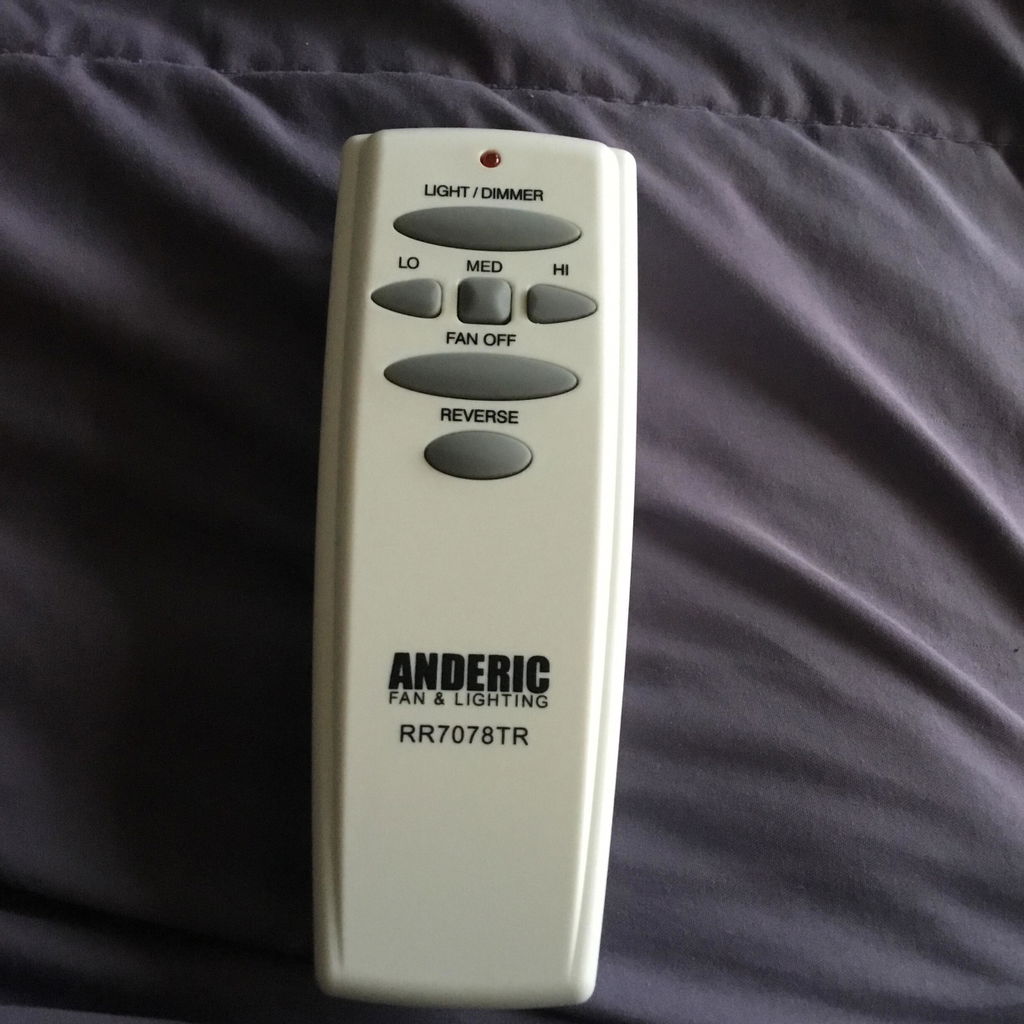
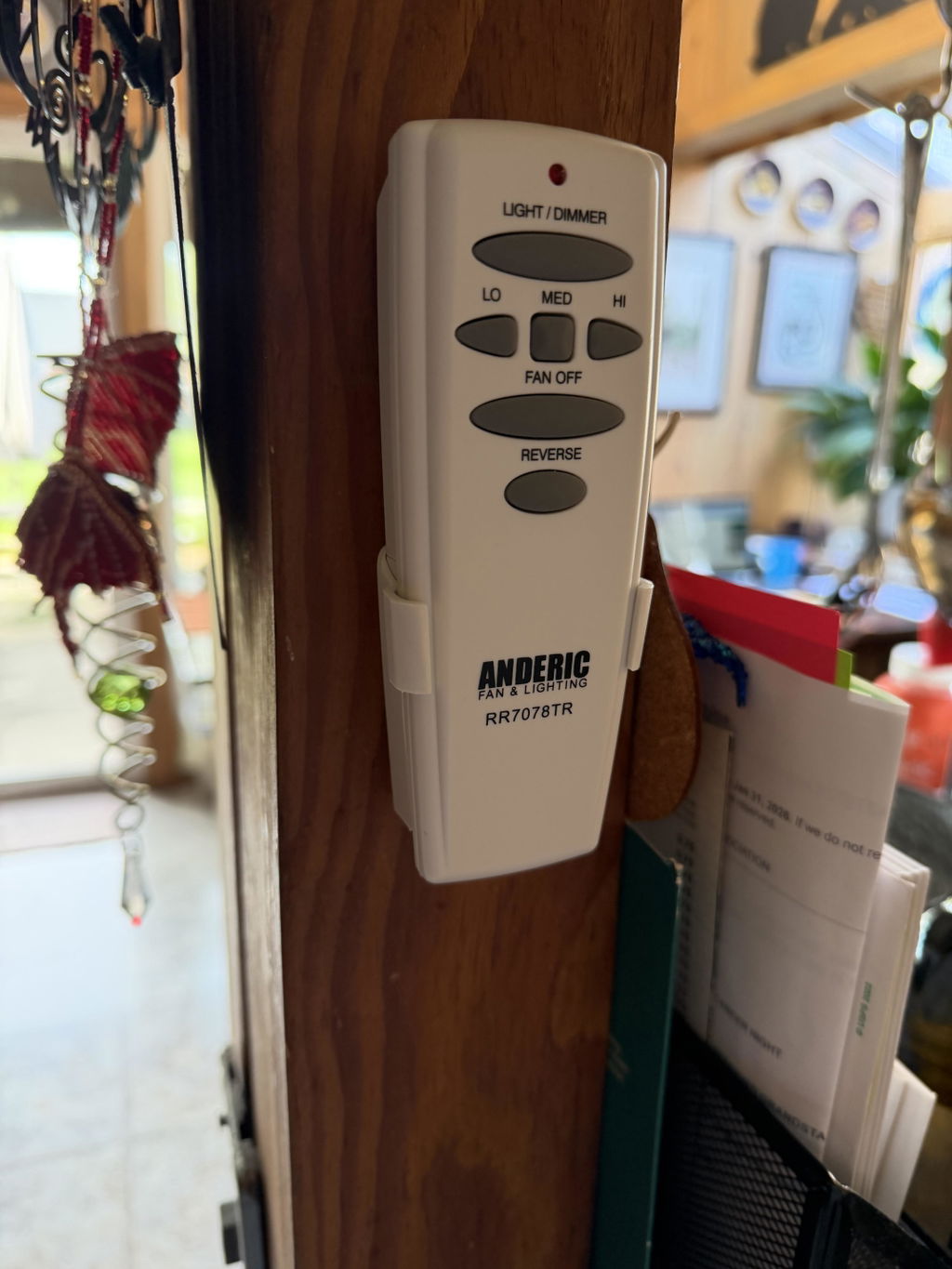
The Anderic RR7078TR is a substitute listed for the Harbor Breeze TR76G / 2AQZU-18005. It is a 304 MHz ceiling fan remote that pairs by matching dip switches.
How to confirm the fit
Find the FCC ID on the back of your old remote or inside its battery compartment. It should match 2AQZU-18005 or CHQ7078T. Match your complete original remote or receiver model against the verified compatibility list and pairing hardware. Listed FCC IDs are examples or identifiers, not a requirement that every compatible original share one FCC.
Specifications
- Shipped remote: Anderic RR7078TR
- Shipped remote FCC ID: CHQ7078T
- Replaces original remote with FCC ID 2AQZU-18005 / CHQ7078T
- Radio frequency (RF): 303.835 MHz
- Battery: 1 9-Volt (not included)
Good to Know
- It works only with 304 MHz receivers that pair by dip switches. Before ordering, check your receiver's frequency and that it has dip switches.
- Reverse works only if your fan has reverse built in.
- Key names and layout differ from other remotes. Compare your existing remote's buttons before ordering.
Setup / Pairing
Turn off power at the circuit breaker before opening the canopy or touching or adjusting the receiver. Match or record receiver switches with power off; close covers, then restore power to test. If you are not opening the receiver, you may try remote-only code patterns.
- Make sure the fan has power and works with its wall switch on.
- Remove the remote's battery cover: push firmly below the arrow and slide it off. Set the code switches before installing the battery, because on some models the battery covers the switch panel.
- With a small screwdriver or pen tip, slide the 4 code (dip) switches up or down to a pattern of your choice. The factory setting is all up.
- Set the 4 code switches on the fan's receiver to exactly the same pattern as the remote. The remote and receiver only work together when the patterns match.
- Insert the battery (not included), matching the polarity marks, and replace the battery cover.
- Test: press a fan speed key and the light key. The fan and light respond when the patterns match.
- If you cannot reach the receiver: set the remote's switches to one of the 16 patterns, press a key to test, and if the fan does not respond, move to the next pattern. Repeat until the fan responds.
- If the fan or light turns on and off by itself, another remote is interfering: set a new matching pattern on both the remote and the receiver.
What's in the Box
- 1 Anderic RR7078TR remote
- Battery not included
Compatible Models
- 304 MHz dip-switch receivers such as those in Hampton Bay fans 247008, 24742, 24788 and 285987
Before ordering, check the model or part number printed on your old remote (usually on the back or inside the battery compartment) and compare it to this list.
Specifications
- Product help/documentation
- User Guide
- Part/Model Number
- 2AQZU-18005 / TR76G / 2AQZU-18005
- Power Information
- 1 9-Volt Obligatoire, non inclus
- FCC ID (if applicable)
- CHQ7078T
- Frequency (if applicable)
- 303.835 MHz
See all compatible models (4)
- 247008
- 24742
- 24788
- 285987
It replaces the one I already have. Works perfectly. Easy to use.
Hi there! Thank you for your wonderful review. We're glad the remote works perfectly and that you find it easy to use. Feel free to reach out if you need anything else!
This remote saved me a huge headache! My old one failed and it is mounted very high above my bed, replacing it was going to be an expensive proposition. Thank you for making these!
Thank you so much for your thoughtful review!
We truly appreciate your support and are always here if you need anything in the future!
I bought a kit assuming it was the receiver and not the remote for our Royal fan. I finally put a battery in the remote to test and Wala, that was it. Thank you Anderic for for such good quality items and great customer service.
Thank you for taking the time to leave a review! We're glad everything worked out and that you had a great customer service experience. We appreciate your kind words about the quality of the product and are always here if you need any assistance in the future!
Hampton bay fan had issues with the lights working and eventually the fan control started acting wonky. This kit was pretty easy to install once you get the fan down; the fan is far easier to work on when removed. Once installed it worked perfect out of the box. Way better than buying a whole new fan. My old remote also works fine but I purchased a new remote for just peace of mind. It’s back to working perfect for only an hour of work and a reasonable cost
Good working product
Excellent and incredibly knowledgeable customer service! They found the exact remotes for some older ceiling fans. The remotes arrived in 2 days and worked perfectly. Anderic is awesome!
I bought two different remotes hoping to replace an older one. Neither of them worked. There should be a better way to identify a replacement. Now I have to send both of them back. Very disappointing!
Works great does everything we wanted it to so but the fan speed ....
Low is really fast medium is super fast , and high is crazy fast will never use it .
Delivery was quick and I'm having no issues with the remotes!!
fast delivery, immediate connection
I ordered the new remote control on sat, it arrived sunday. I put a new battery in and it worked right away. Perfect
Thank you for your great feedback! We’re glad to hear your remote arrived quickly and worked perfectly right out of the box. Feel free to reach out if you ever need anything!
This is Anderic suggested replacement for Hampton Bay Monte Carlo ceiling fan remote, model CHQ7074T. Their model RR7078TR works very well. Thanks for being there.
The remotes work great and so appreciate all the help given. very professional, caring and helpful
Product is great, but I was sold the wrong receiver at first and aydan told me I would receive my entire purchase price back when I was credited. That didn't happen I was supposed to be credited 50.95 and it was only 42 credit.
Opened the package, set the switches, installed battery, pushed "On", and immediate fan operation.
Excellent! We’re thrilled to hear setup was quick and your fan was running right away. Thanks for sharing your experience and for choosing Anderic!
The remote control I purchased is great. Simply unpacked it put in the battery and it worked instantly. No hassle and it was delivered the next day.
Thank you for taking the time to leave a review! We’re glad your new remote worked instantly and arrived the next day.
My two older remotes were not working everytime. This remote connected right of way and does what I want
Very easy to order good sales people
I have a 2005 Hunter that came with remote control. This controller replaced my old sending unit that no longer works. I set Hunter receiver to 00001, and remote to 0001, and it works perfectly.
Easy to program. Done in just a few minutes. Works perfectly. Was delivered in just a couple of days.
Works great. Thanks.
Makes the fan actually work so that's great
Product was as promised.
I have brand new batteries in the remote. I'm able to turn the fan on and off however the light is 50/50 requires more work than it should
Everything worked great. Took me a while to decipher the instructions but i did. Thank You Very Much. SUGGESTION: put the instructions into a YouTube video.
Works just like the original unit
No issues at all. My remote was discontinued and this one was recommended for replacement. It was great no problems installing
Everything worked Great!!!
Great customer service / fast shipping